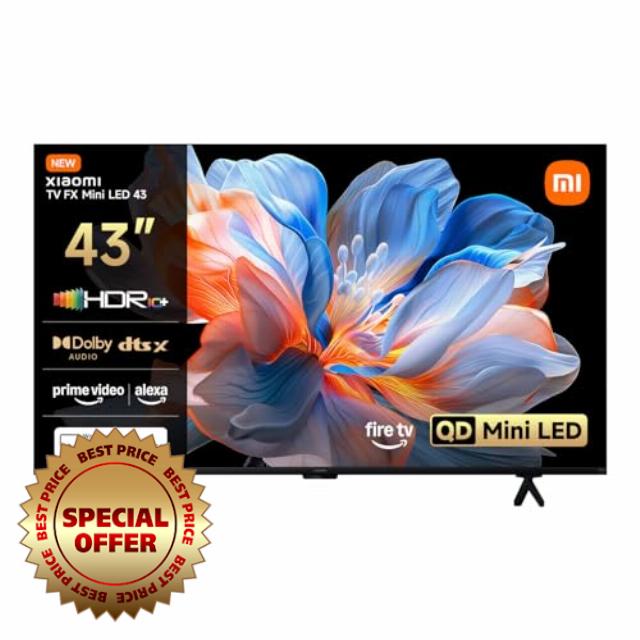
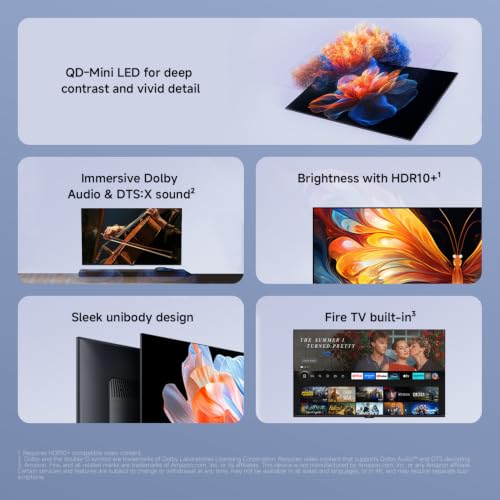
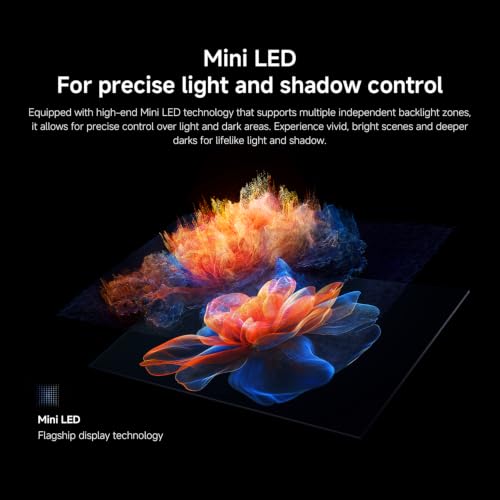
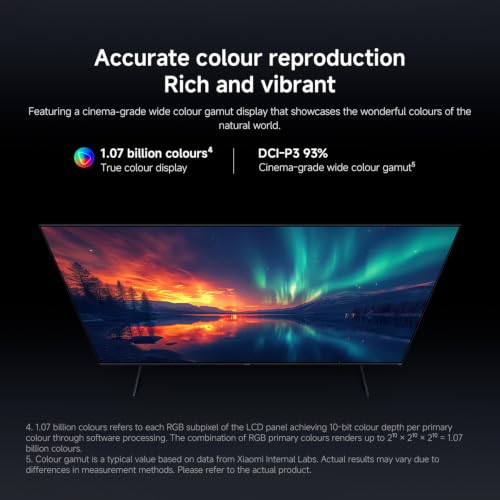
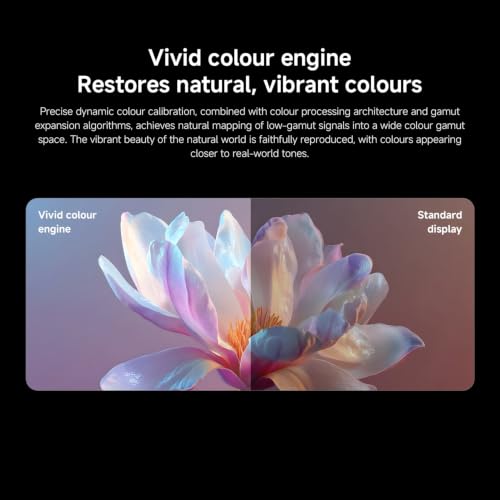
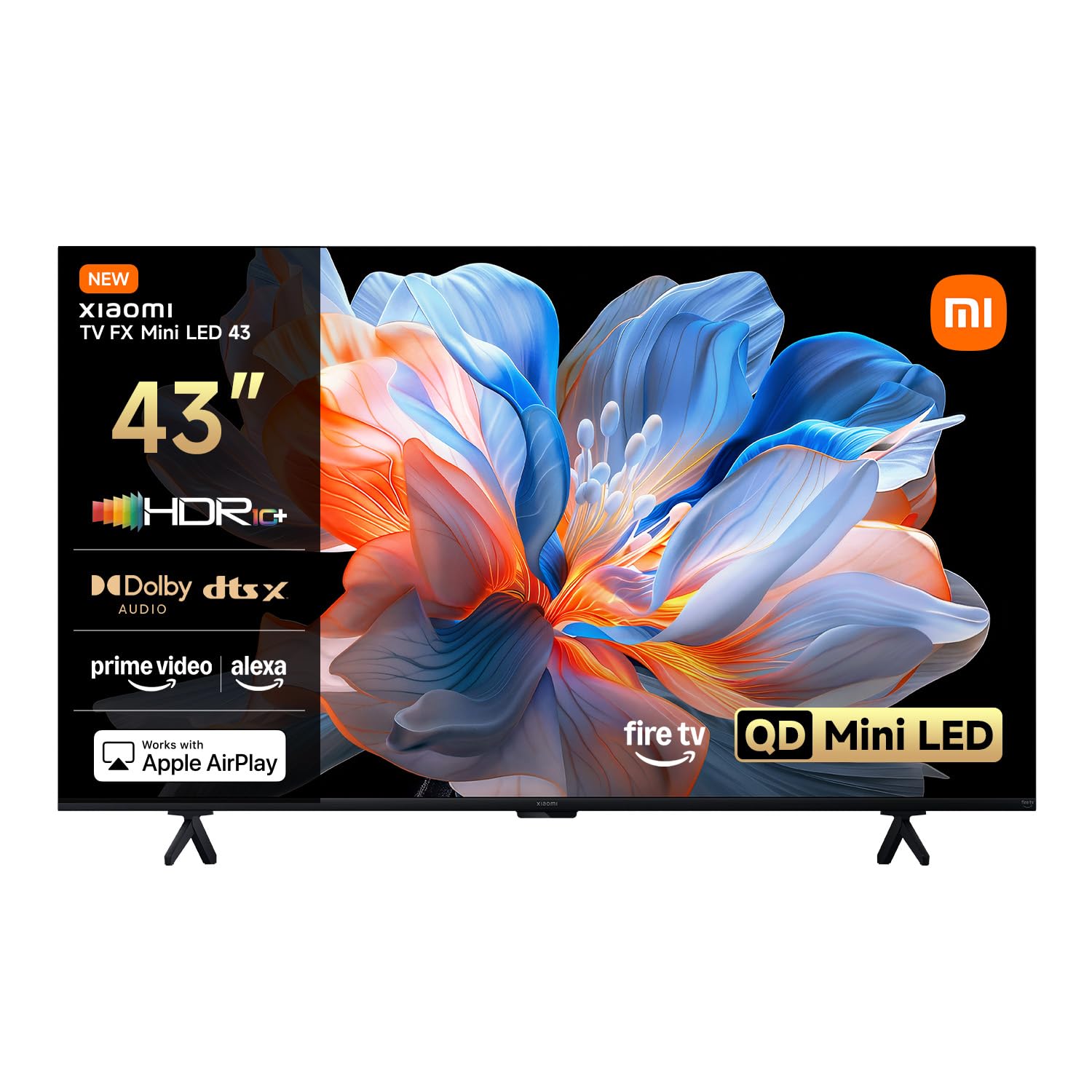
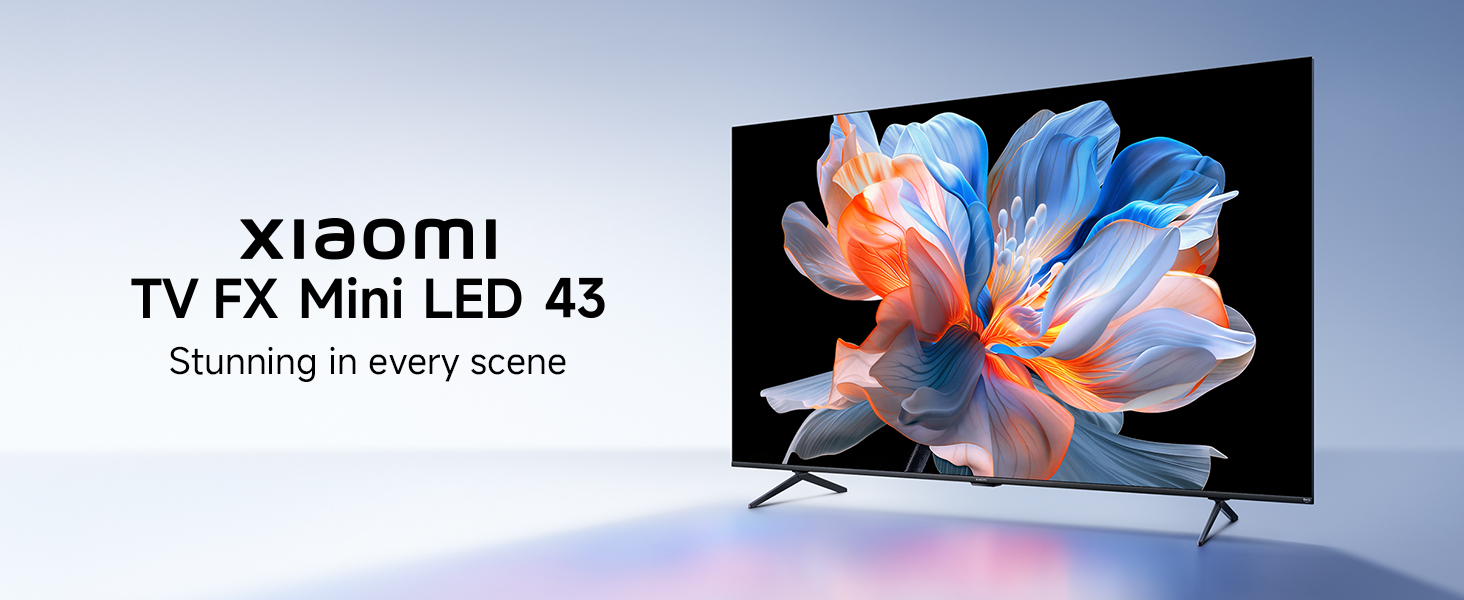
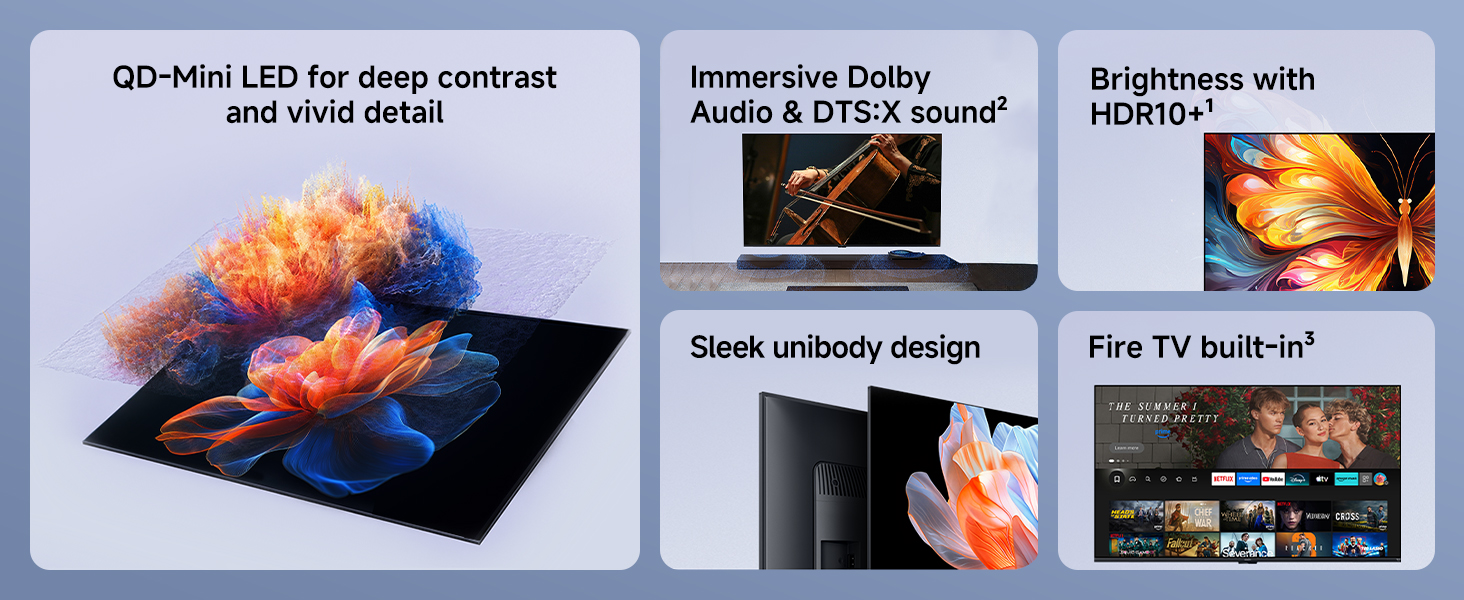
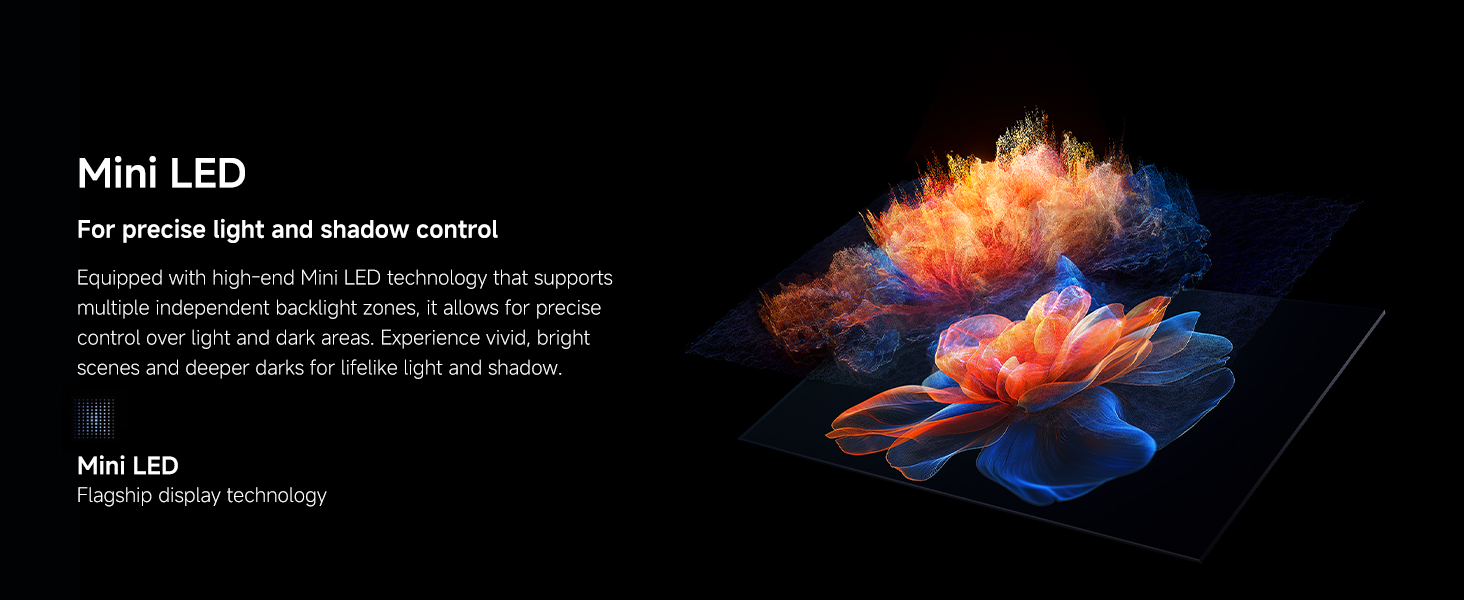
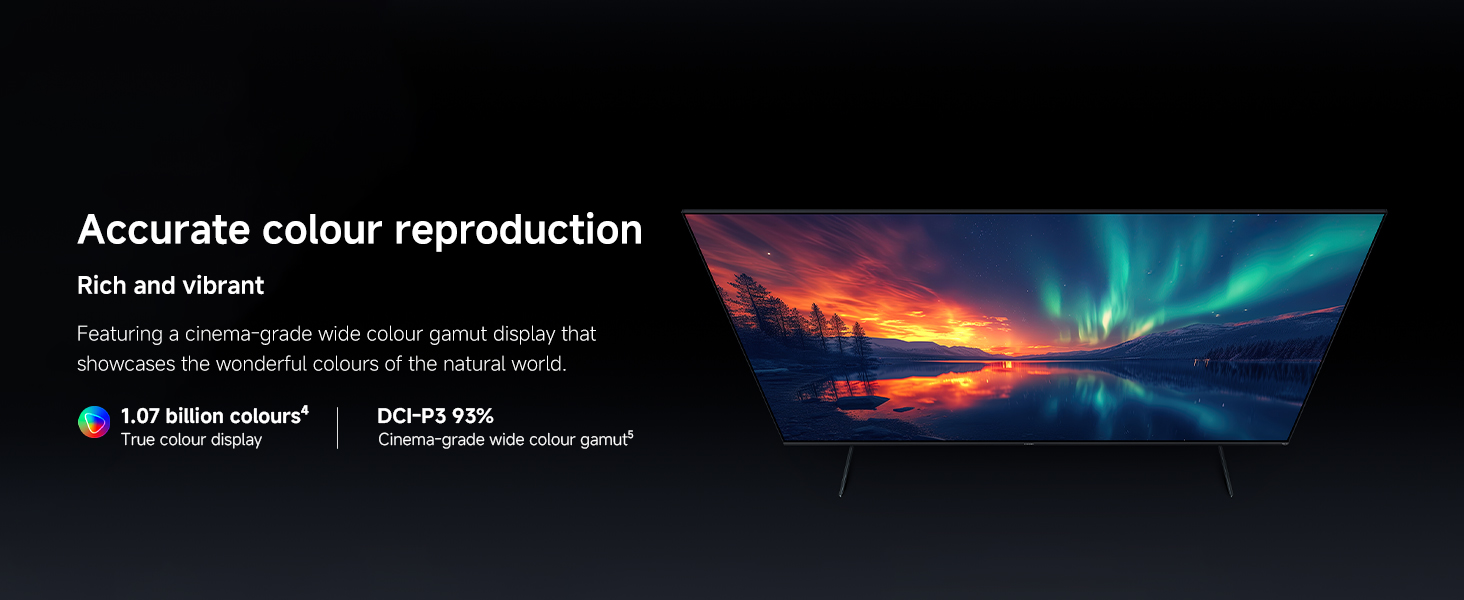
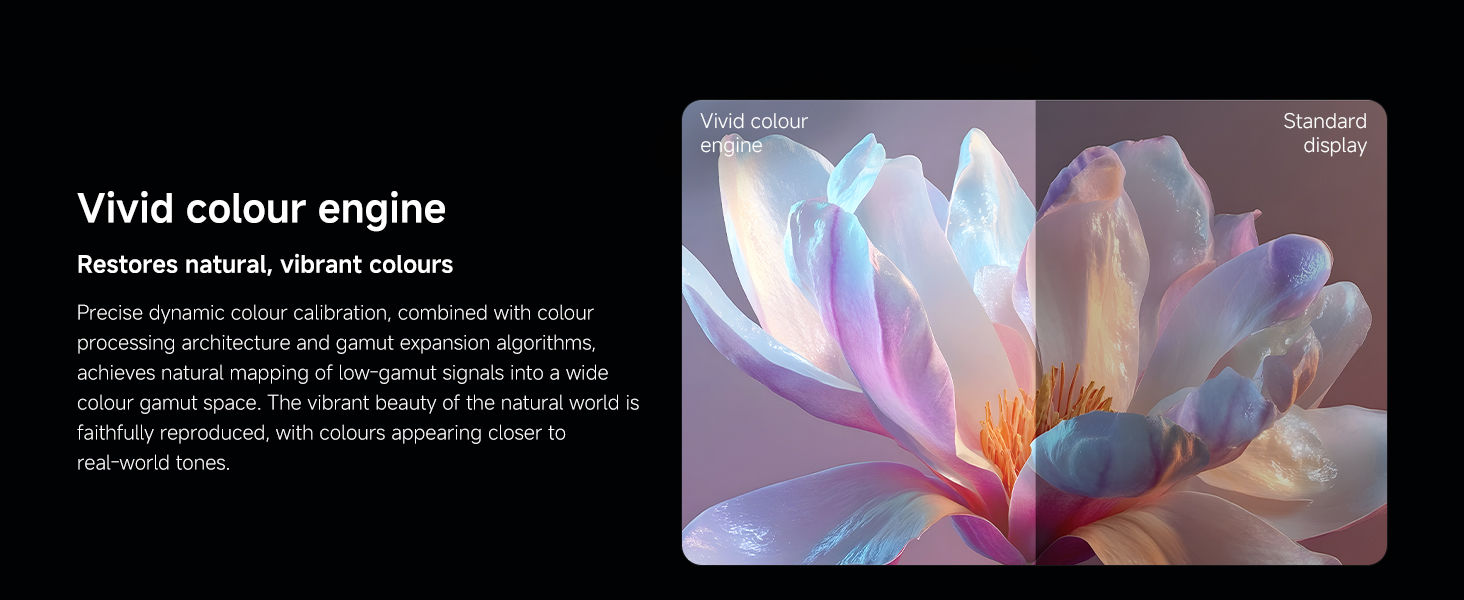
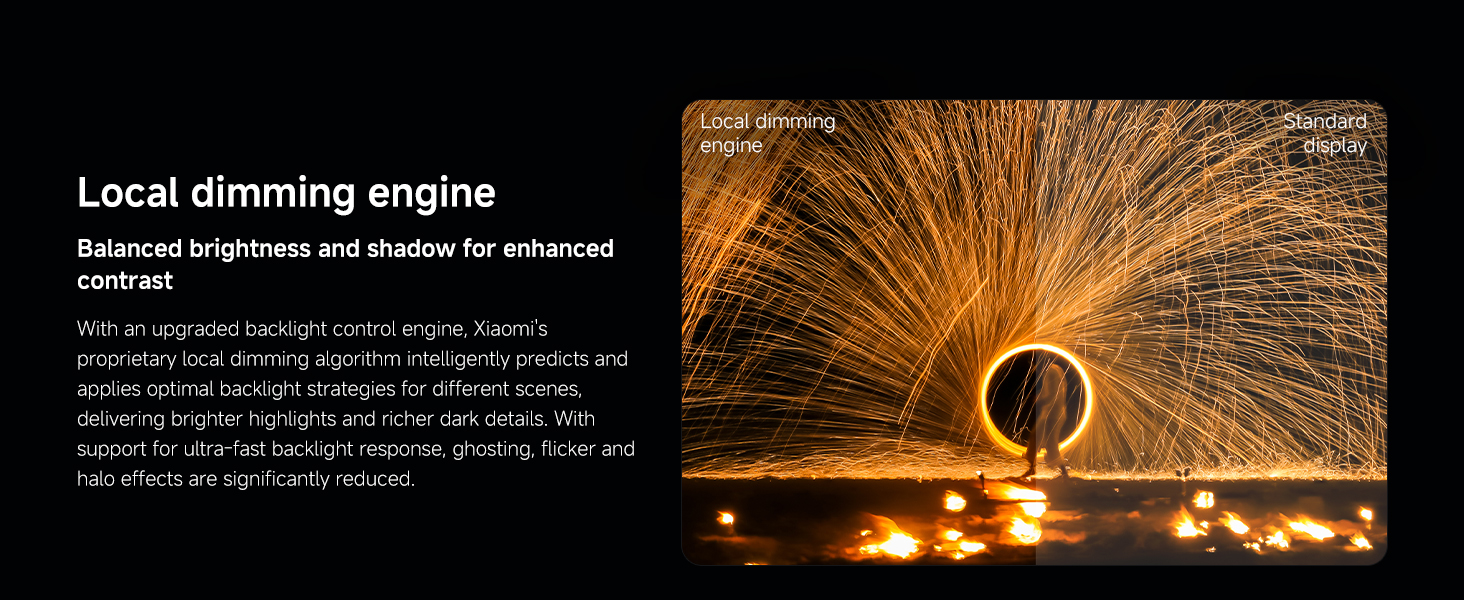
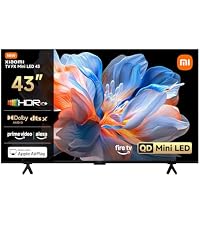
- 【Advanced QD-Mini LED Technology】Equipped with cutting-edge Mini LED technology that devides the screen into multiple independent backlight zones, it allows for precise control over light and shadow. Quantum Dot technology delivers ultra-rich, accurate colors with remarkable clarity and realism.
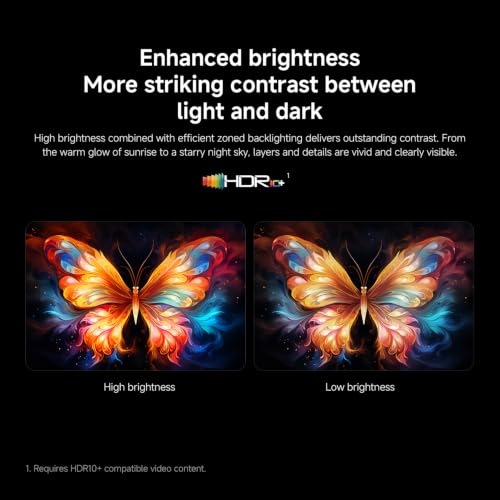
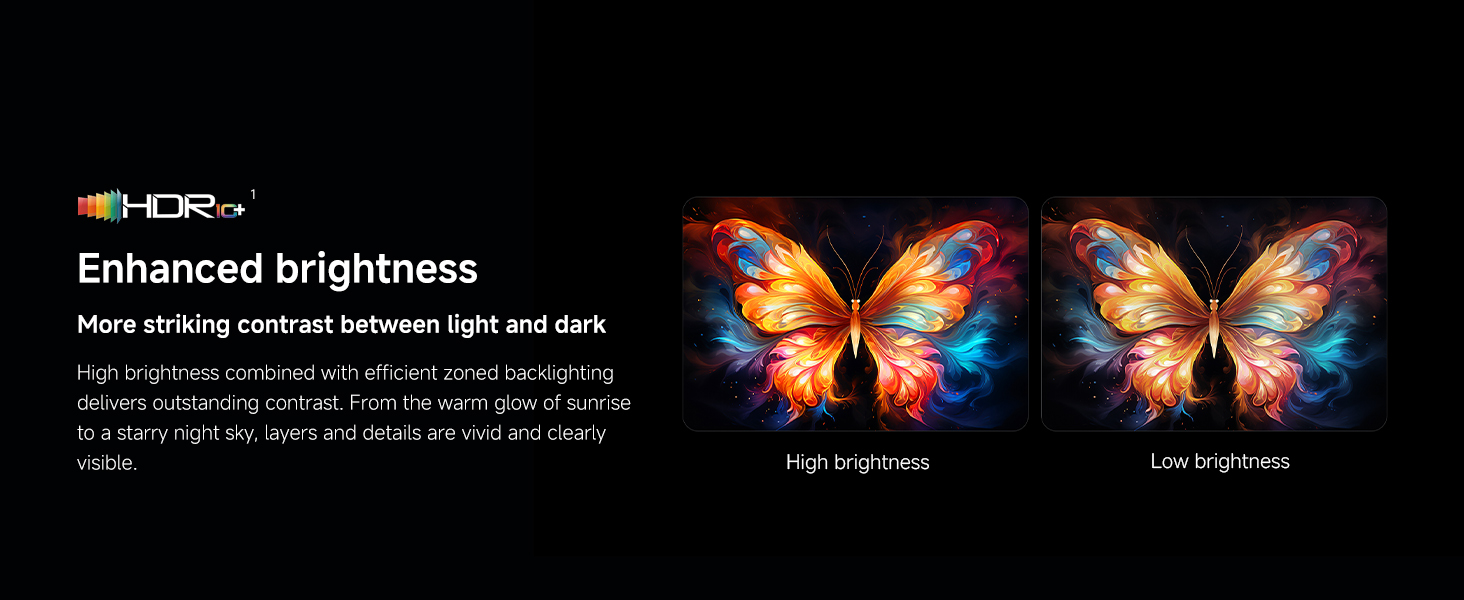
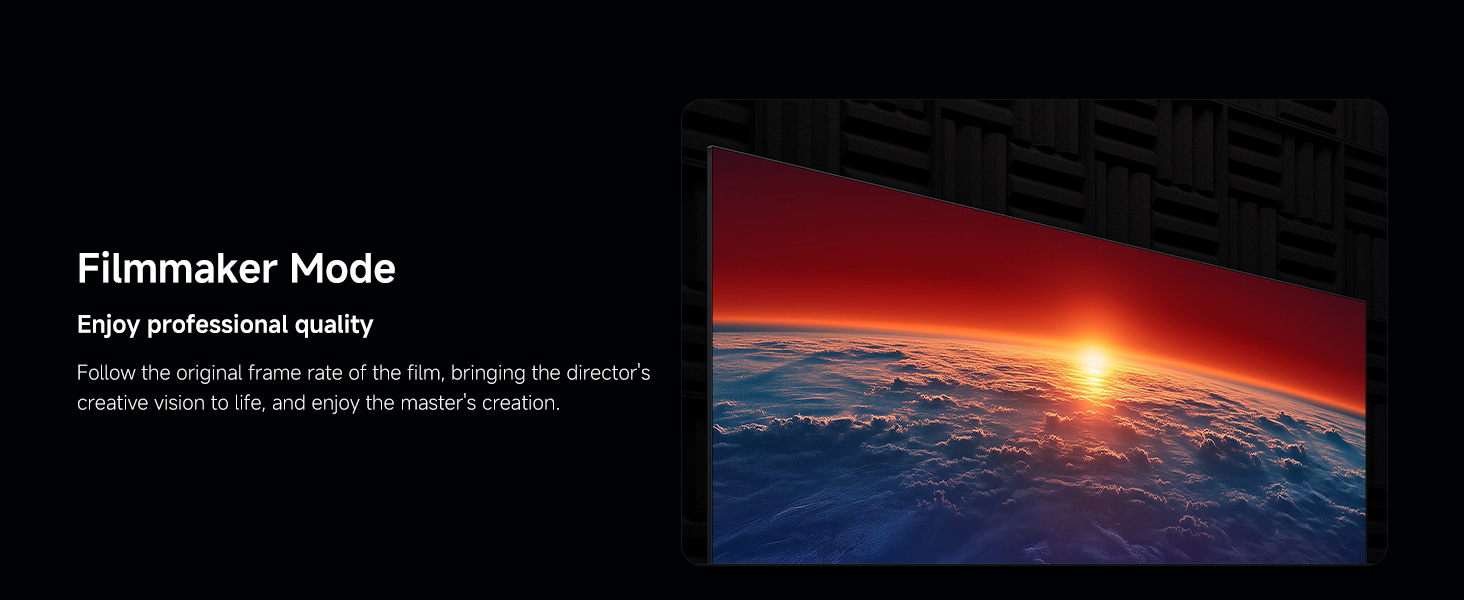
- 【4K Ultra HD Resolution with HDR10+】Enjoy ultra-sharp 4K resolution with stunning detail and clarity. HDR10+ dynamically adjusts brightness for each scene. See deeper blacks, brighter highlights, and more lifelike colors. Every frame looks just the way the creator intends.
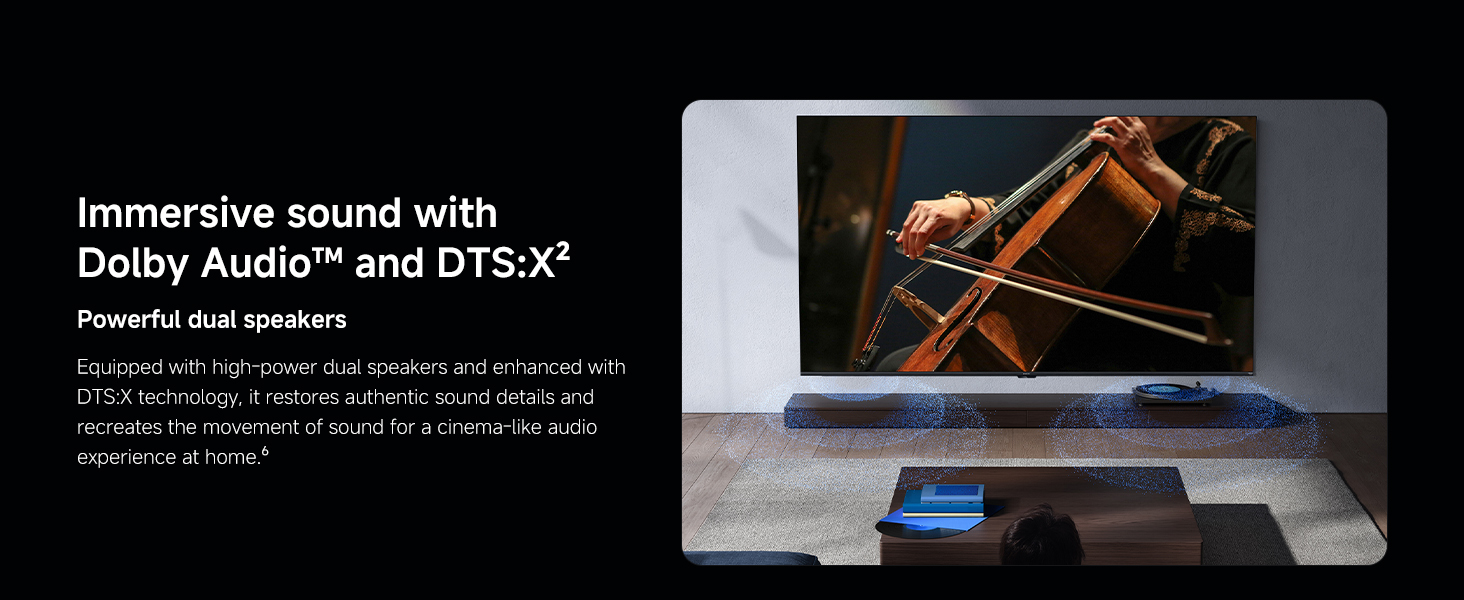
- 【Immersive Sound with Dolby Audio and DTS:X】Equipped with high-power dual speakers and enhanced with DTS:X technology, it restores authentic sound details and recreates the movement of sound for a cinema-like audio experience at home.
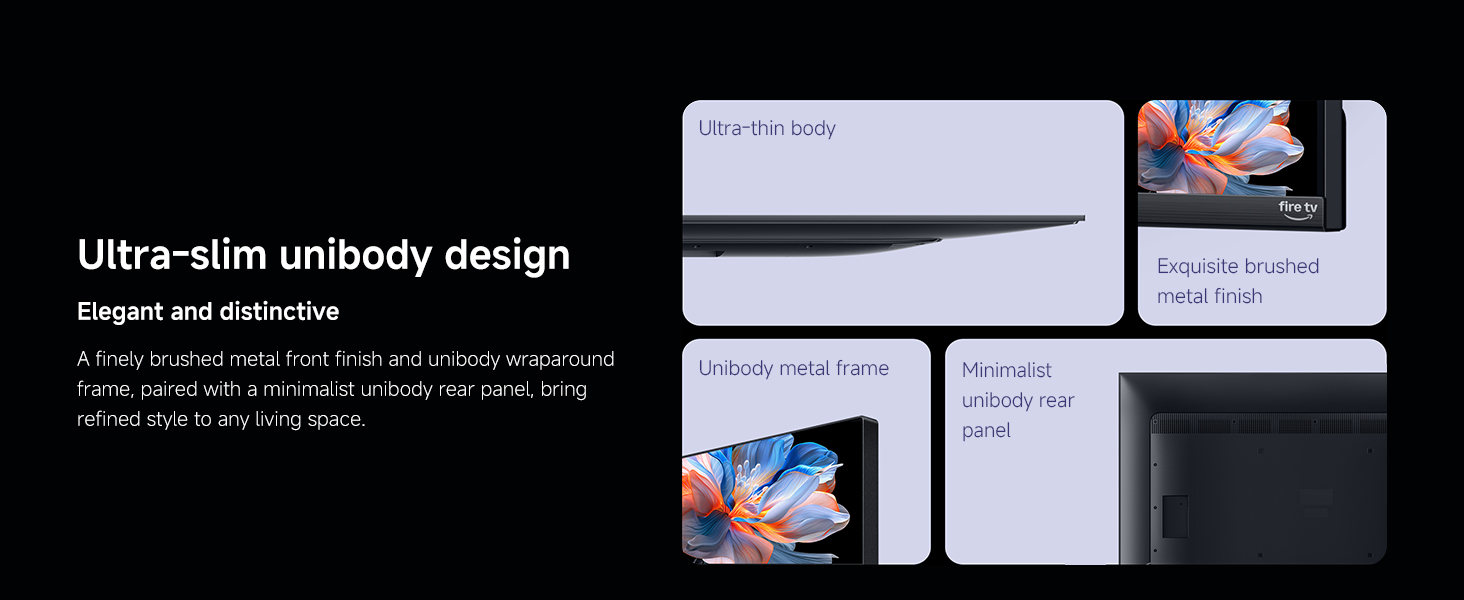
- 【Sleek and Minimalist Unibody Design】A finely brushed metal front finish and unibody wraparound frame, paired with a minimalist unibody rear panel, brings elegant and distinctive style to any living space.
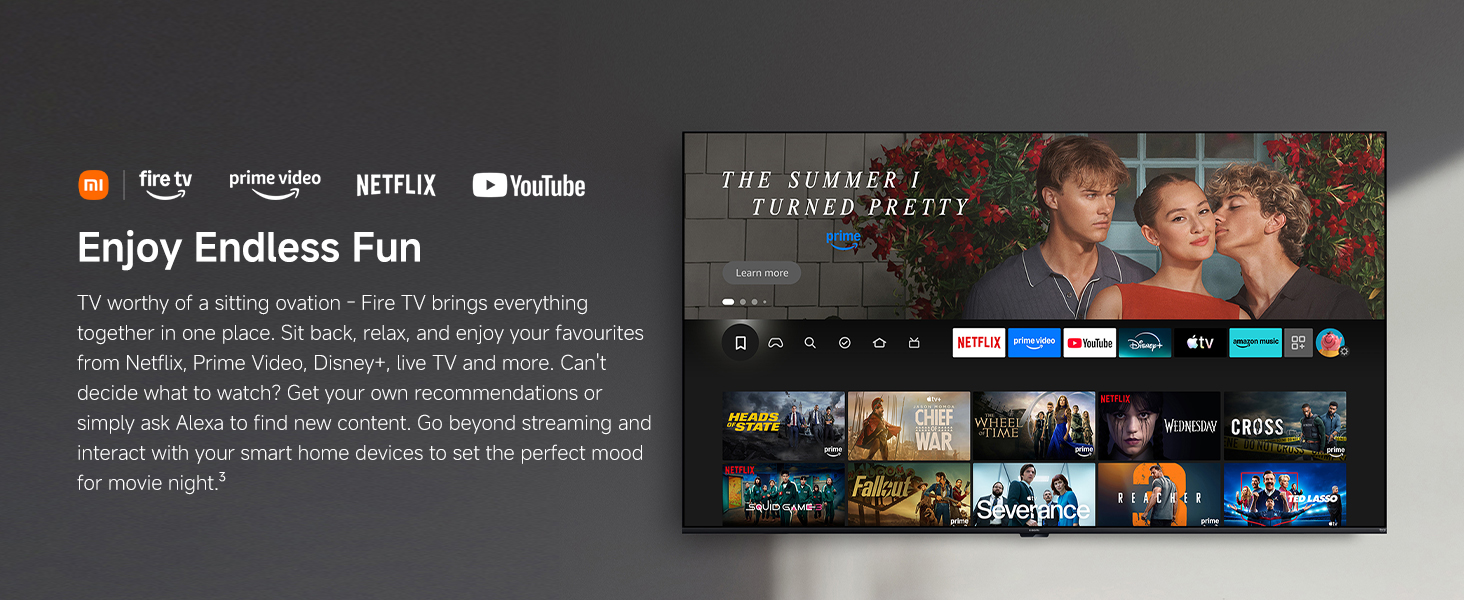
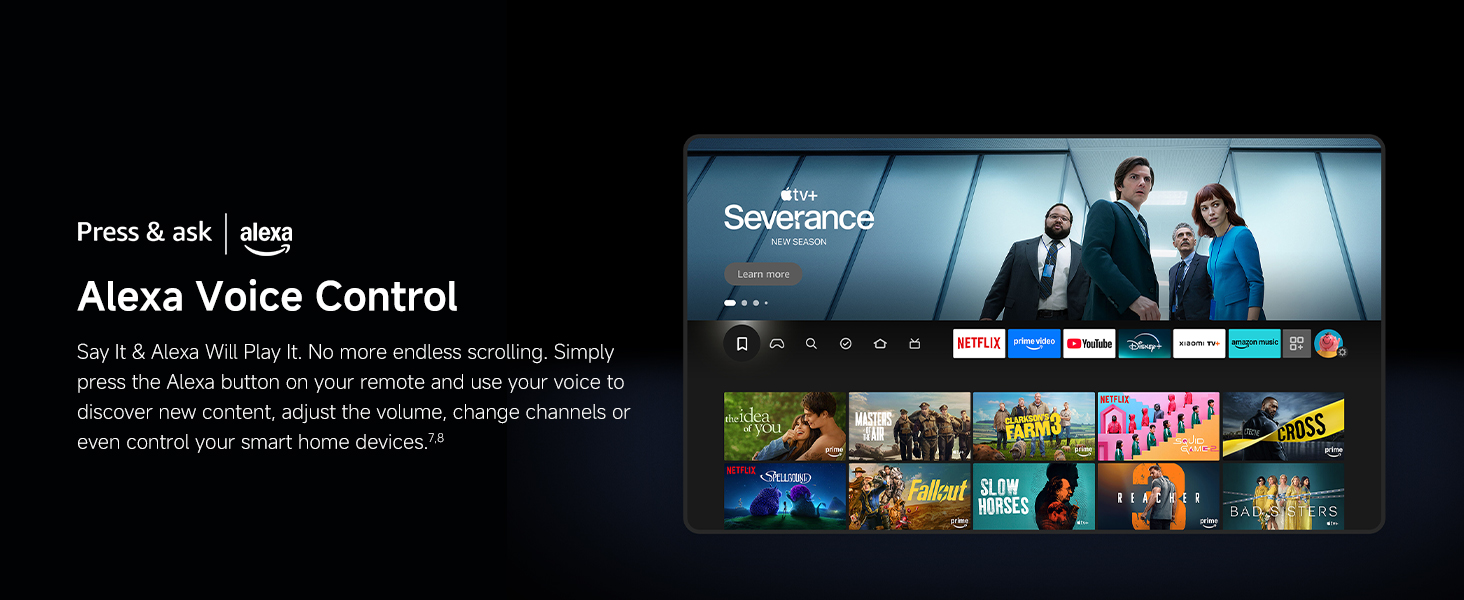
- 【Limitless Entertainment with Smart Assistance】Say It & Alexa Will Play It. And you can also use Alexa to help you get your own recommendations with voice control. Powered by Fire TV, enjoy plenty of content with easy access to thousand of apps. Built-in Apple AirPlay lets you stream or mirror content wirelessly from your device.
From the manufacturer
-
How to adjust the color temperature on Xiaomi TV?
“Press and hold the Home key for 3 seconds or longer during playback, then release. Select Picture – Advanced Settings – White Balance – Colour Temperature – Standard/Cool/Warm.
For fine adjustment, select 2 Point under White Balance.”
-
How to turn MEMC on and off on this TV?
Press and hold the Home key for 3 seconds or longer during playback, then release. Select Picture – Advanced Settings – Motion Processing – High/Middle/Low/Off.
-
How to adjust brightness?
1.From the home page, go to Settings, select Display & Audio – Picture Settings – Select your input source – Backlight – 0–100
2. Press and hold the Home key for 3 seconds or longer during playback, Select Picture – Backlight – 0–100
-
How to adjust Picture Mode?
Press and hold the Home key for 3 seconds or longer during playback, then release. Select Picture – Picture Mode
Comparision Chart
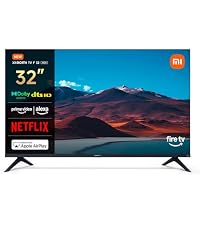
F Series |
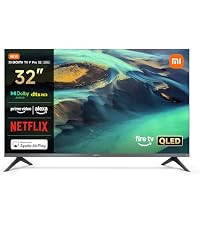
F Pro Series |
FX Mini LED Series |
Hot Deal |
|
|---|---|---|---|---|
| Customer Reviews | 4.3 out of 5 stars683 | 4.1 out of 5 stars419 | 4.3 out of 5 stars18 | 4.3 out of 5 stars683 |
| Price | £109.00 | £118.99 | £279.00 | £109.00 |
| Available sizes | 32, 43, 50, 55, 65 | 32, 43, 50, 55, 65, 75 | 43, 55, 65, 75 | 32 |
| Display technology | LED | QLED | QD-Mini LED | LED |
| Resolution | 4K | 4K | 4K | 4K |
| Refresh rate | 60 Hz | 60 Hz | 60 Hz | 60 Hz |
| Colours | / | Quantum Dot Colour | Quantum Dot Colour | / |
| HDR | HDR10/HLG | HDR10+/HDR 10/HLG | HDR10+/HDR 10/HLG | HDR10/HLG |
| Peak brightness | 200 Nits | 220 Nits | 550 Nits | 200 Nits |
| Sound | DTS-HD, Virtual X, Dolby Audio | DTS-X, Virtual X, Dolby Audio | DTS-X, Virtual X, Dolby Audio | DTS-HD, Virtual X, Dolby Audio |
| Game mode | 120Hz Game Boost Mode | 120Hz Game Boost Mode | 120Hz Game Boost Mode | 120Hz Game Boost Mode |
| MEMC | ✔ | ✔ | ✔ | ✔ |
| Operating system | Fire TV | Fire TV | Fire TV | Fire TV |


Wendy Darling (verified owner) –
Good TV, if you're happy with the Alexa environme
On the whole, I’ve been very impressed with this TV and I think it’s good value for money. I’m used to Fire sticks so having the Fire TV features baked into the system is not only familiar but very user friendly, especially with the freely integration.
I think the picture quality is very good and it’s easily better than the Fire TV I used to own. I also like that picture settings can be adjusted for individual inputs and the options allow me to set everything to my liking for TV, movies and gaming very easily. Sound is absolutely fine, I’ve no real complaints about it but it obviously lacks the kind of depth you’d get from adding a decent soundbar.
I’ve only two minor complaints, or things other buyers might want to be aware of. The first is that there’s no way to override Freely and opt to watch live TV directly via the antenna. The reason this matters brings me to my second point, which is that the entire interface is only as fast as your Internet connection will allow, i.e., if your internet isn’t fast and you’re downloading or using heavy bandwidth elsewhere, watching live TV could prove tricky and the interface may feel slower than usual. If you’ve got superfast broadband, this probably won’t impact you but I don’t and when I was downloading a video game on my steam deck, I couldn’t watch live TV at the same time without it buffering. It would be ideal if the TV allowed Freely to be bypassed as taking signal directly from the antenna wouldn’t have presented any buffering issues. I also find Freely a little slow in general but again, that’s my Internet speed (which is under 100 mb/s) not really the TV itself.
It’s worth noting that the Alexa features don’t work unless you press the microphone button on the remote. This TV doesn’t have “always on” Alexa like Amazon’s Fire TVs. For most, this probably won’t matter but it’s something to be aware of.
Finally, I want to mention that the TV includes a USB port and it remains powered even when the TV gets switched off. This may impact you if you intend to run TV back lights/LED strips off the port like I do. The lights don’t automatically turn on and off when the TV is turned on and off, so I decided to fit an Alexa enabled switch and control them using a routine instead. Again, this won’t impact most people but it mattered to me and knowing may help some other buyers.
Anonymous (verified owner) –
Brilliant value for money and has freely
This 43 Inch Xiaomi mini led TV from the Xiaomi Amazon store is brilliant value for money for a mini LED TV the pitcher quality is stunning so vivid and sharp 4k content is almost 3D.
The TV runs the fire TV operating system and has 32gb of on board storage that’s plenty big enough for your favourite apps.
The TV comes preinstalled with the most popular apps like prime, Netflix, YouTube etc. I love that this TV comes loaded with freely that means you don’t need to have a TV Ariel as it works by using the internet to get you all the normal TV channels you would get with a Ariel on the rooth.
I highly recommend this TV it’s brilliant value for money and the picture quality is amazing.
JesseWintle470 (verified owner) –
Impressive value for money, packed with features that were very recently considered flagship.
Out of the box this was extremely easy to assemble. It’s safely packaged as you would expect, screen protected, plenty of foam. You can simply place it flat on top of the box in order to put on the feet for the TV.
The in-built fire TV is a little on the slow side, but is a much more pleasant experience than most in-built OS around this price range. You have Netflix, Disney, Xcloud… on fire sticks you likely have all the apps you’re going to need.
The image out of the box is reasonably decent. There are a few upscaling features I preferred to turn off, and a few tweaks to colour to make it ‘pop’ slightly more. But using HDR the image looked excellent. It’s sharp, vibrant, high-brightness. For this price range it has blown away other top brands I have used like LG.
The black levels are nothing to scoff at. It doesn’t have quite the local dimming of the larger models but it makes HDR contrast look very strong.
Sound quality is surprisingly excellent for such a small package. You clear vocals and highs, with slightly muddy base (they are TV speakers afterall), but you have everything you need to set up HDMI soundbars on the IO. They’re perfectly acceptable, and a decent buy as a full package within the price range.
Anonymous (verified owner) –
Looks grea
Came on a slim box easy to set up just logged into my amazon Netflix ect no need to plug in the fire stick picture is rich and vibrant great price would recommend