1 Google Family Link 2 Google Kids Space 3 YouTube Kids 4 iWawa for Parents 5 iWawa for Kids
1 System 2 AI 3 Games 4 Storage 5 Chip
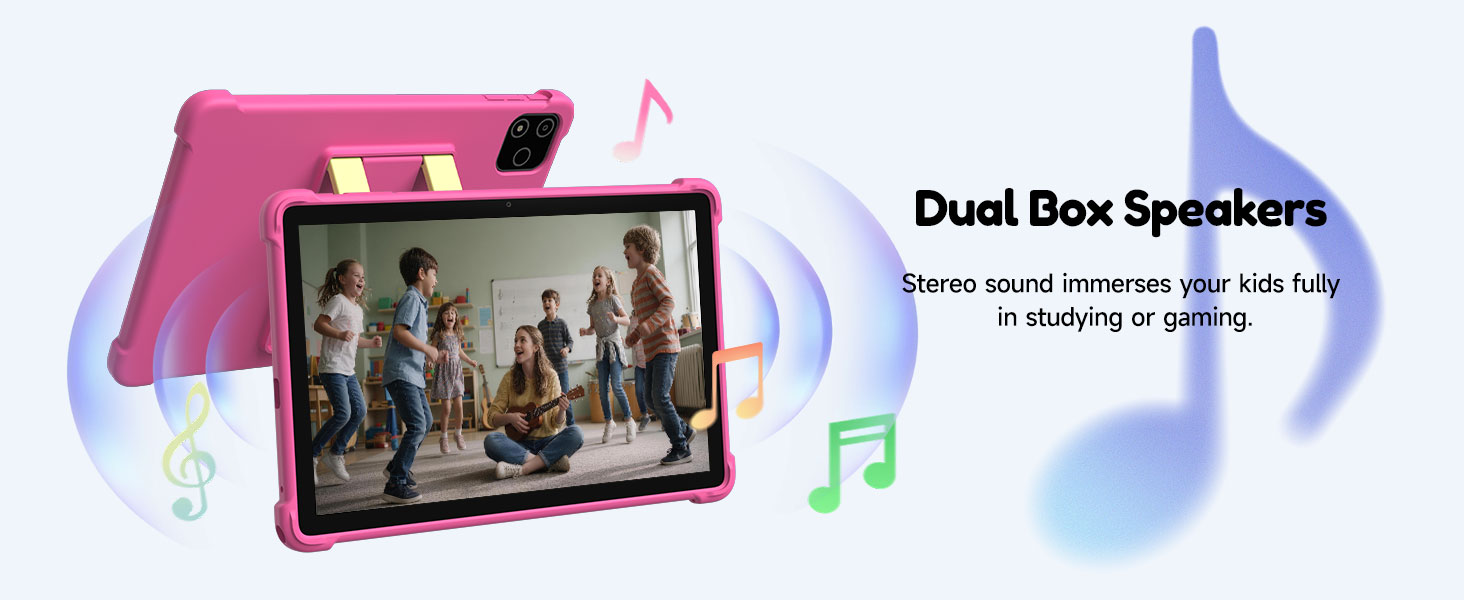
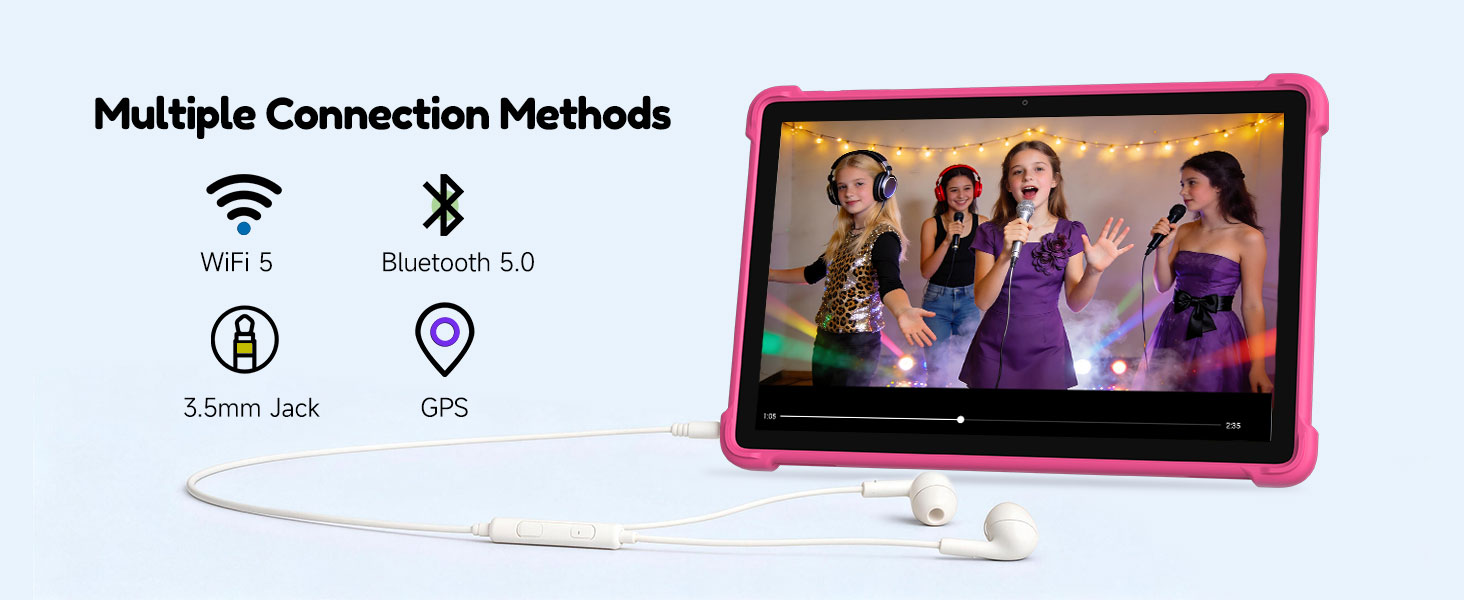
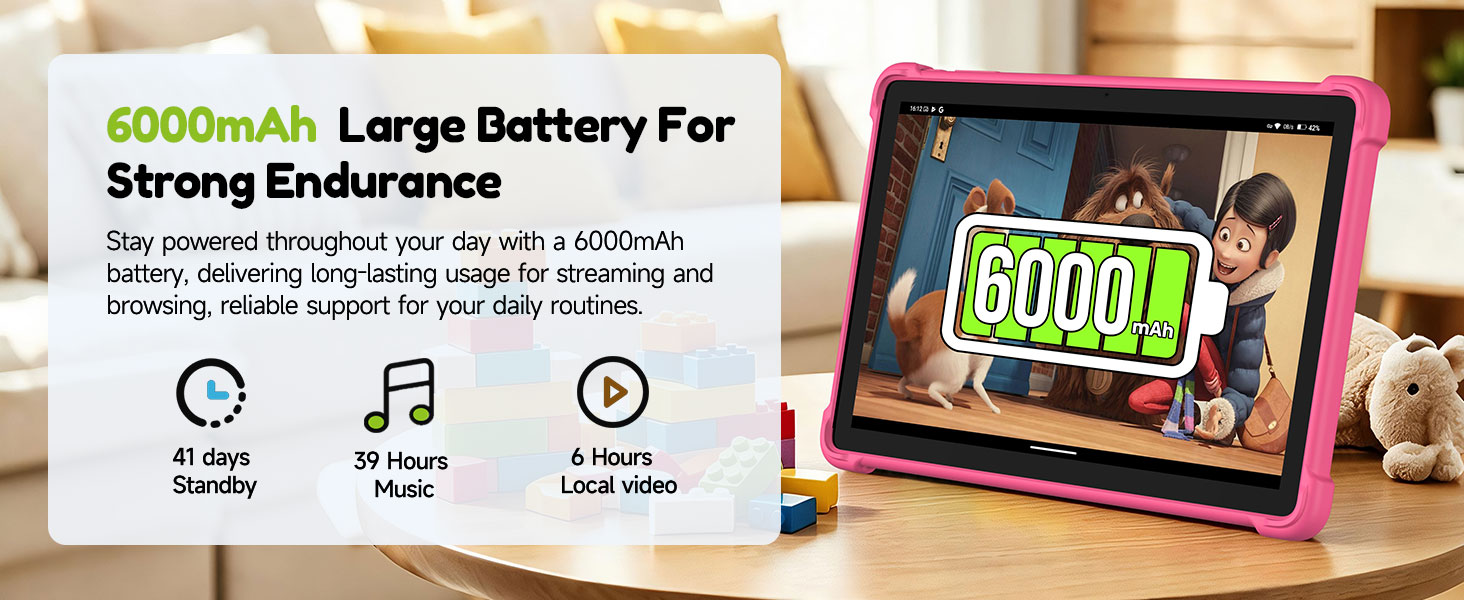
1 Kid-Friendly Case 2 Dual Speakers 3 Mulitiple Connection 4 Large Battery
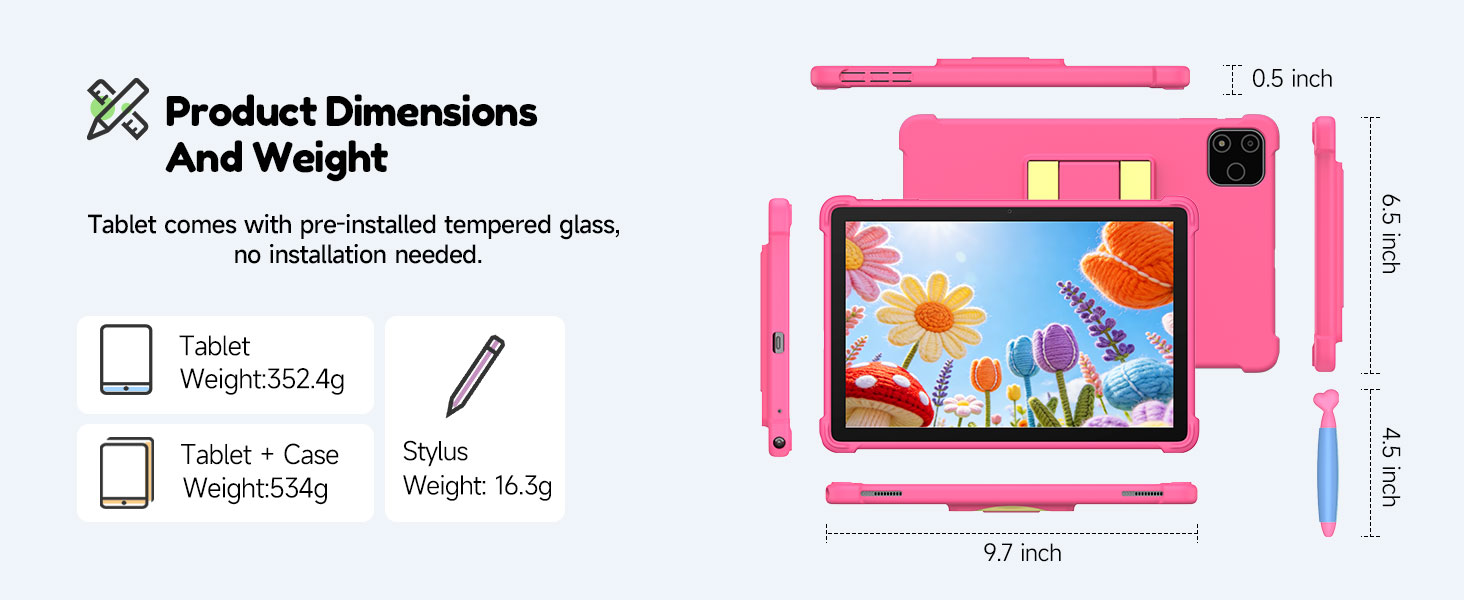
1 Dimensions & Weight
Choose the Right Tablet for Your Little One
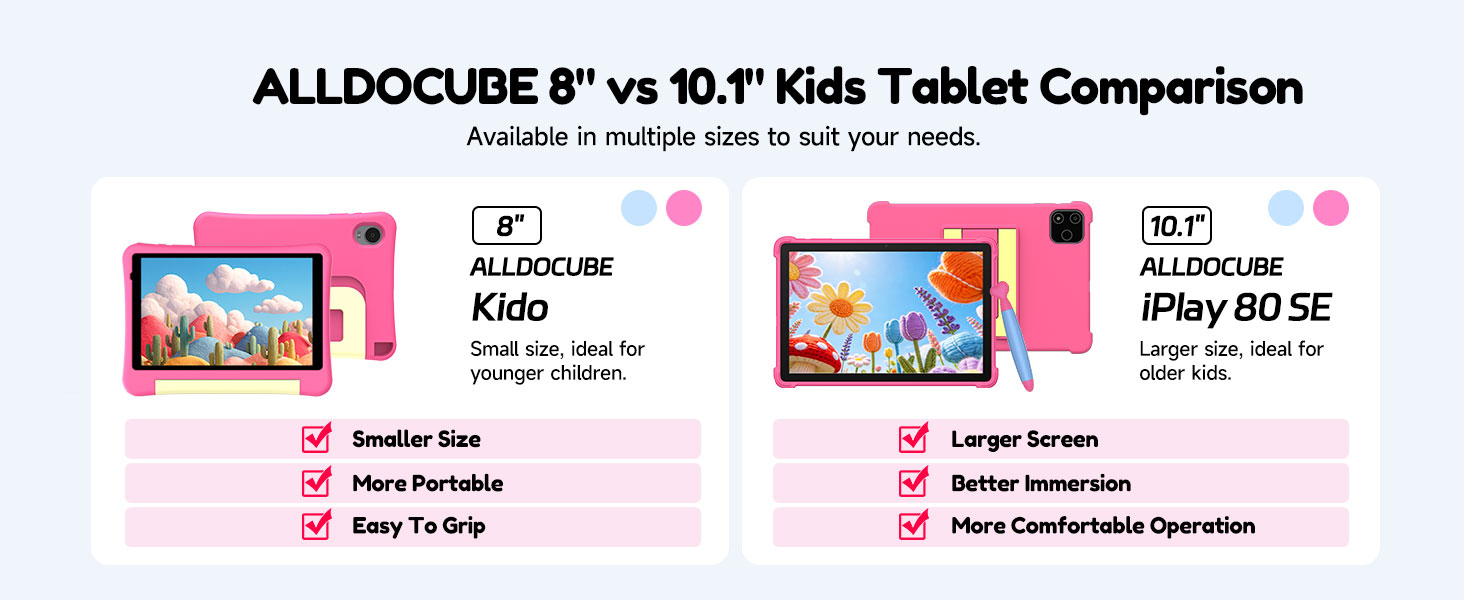
From the pocket-sized 8" Kido to the full-size 10.1" iPlay 80 SE, there's a perfect kids tablet for every age and every stage — same parental controls, same rugged protection, just the right size.
1 2
Learning, Playing and Beyond – One Tablet for Every Moment
-
Learning
-
Playing
-
Relaxing
-
Taking
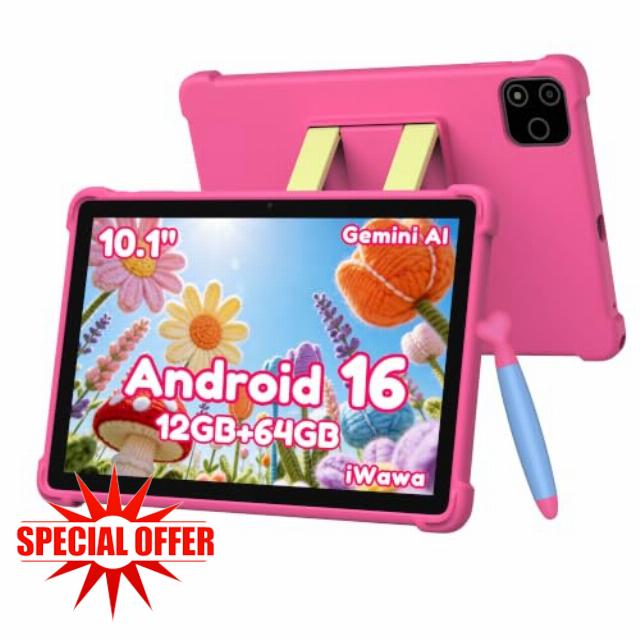
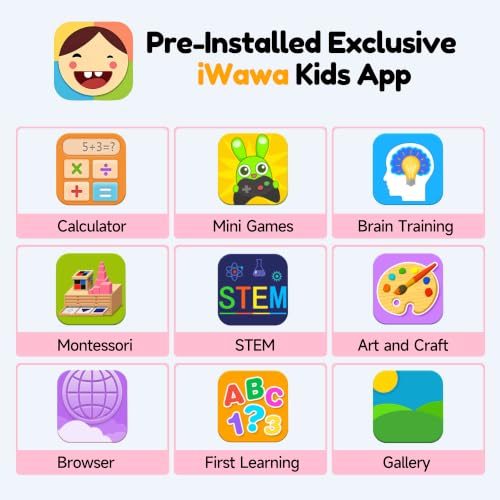
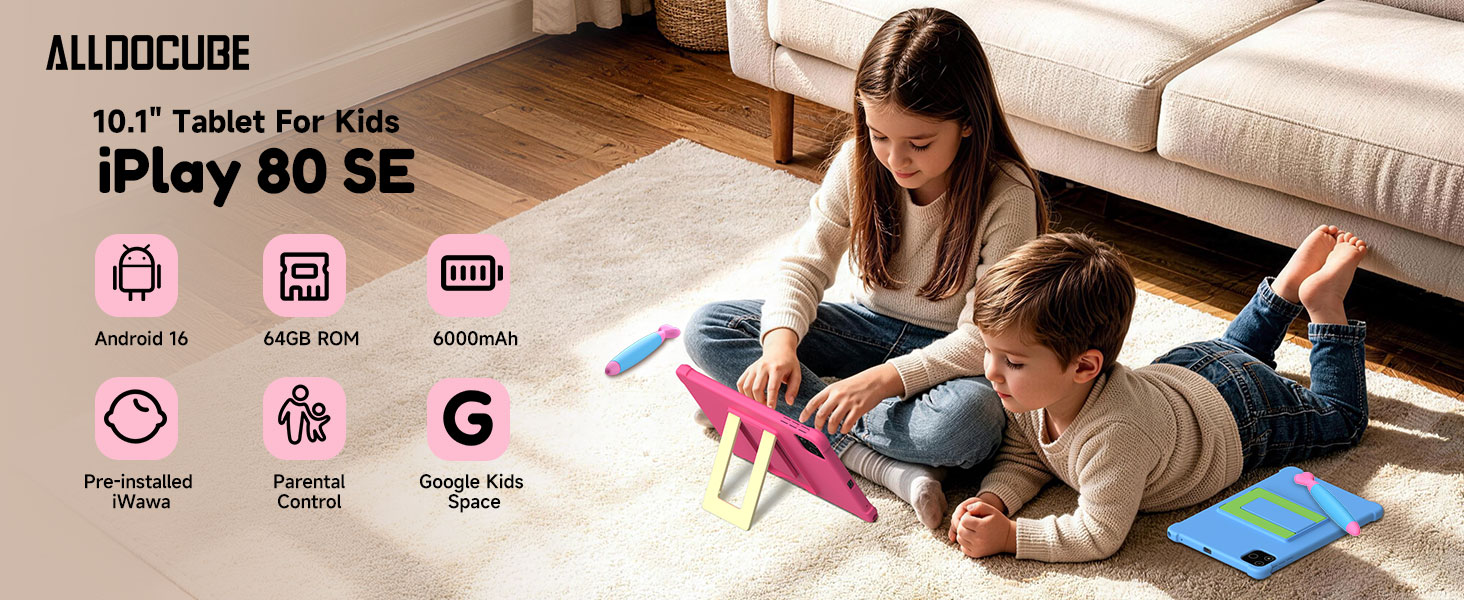
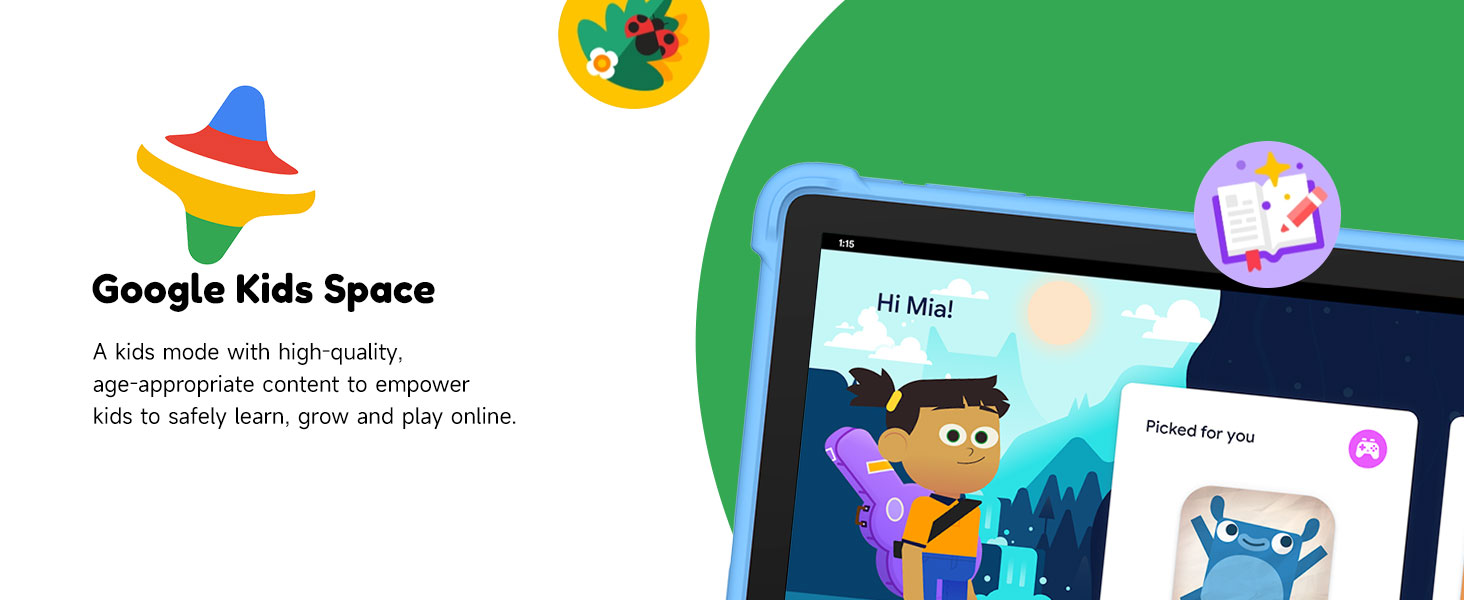
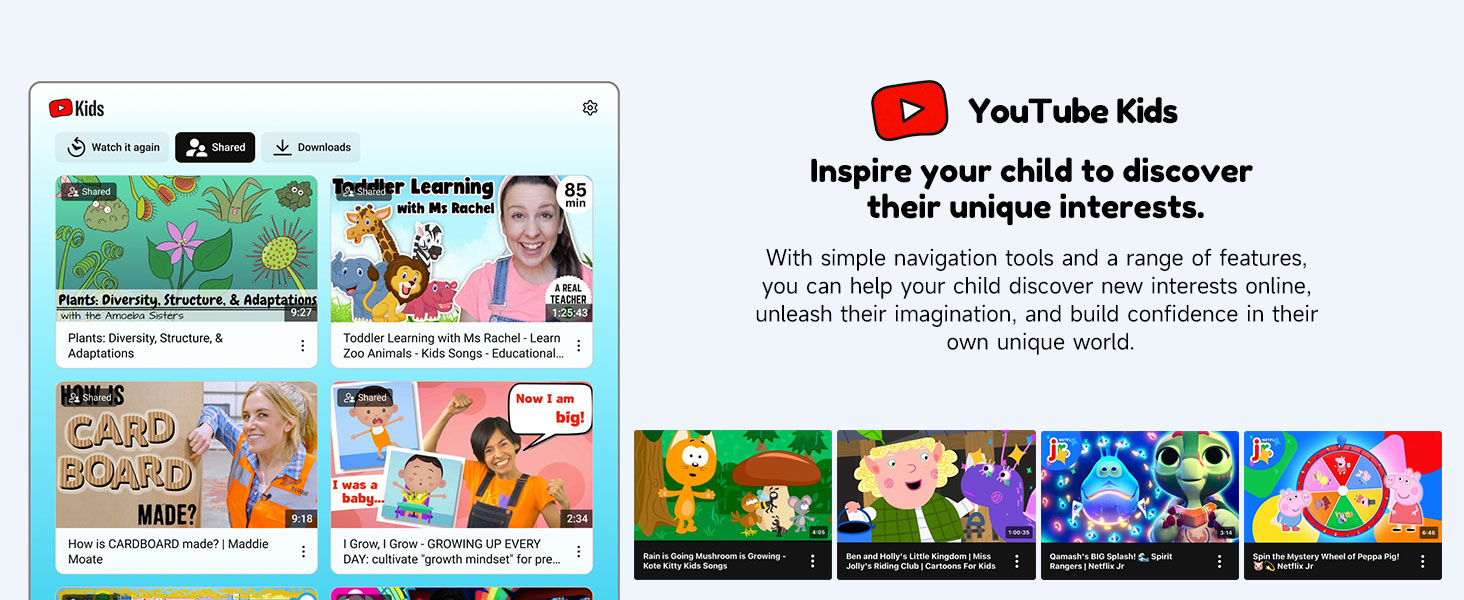
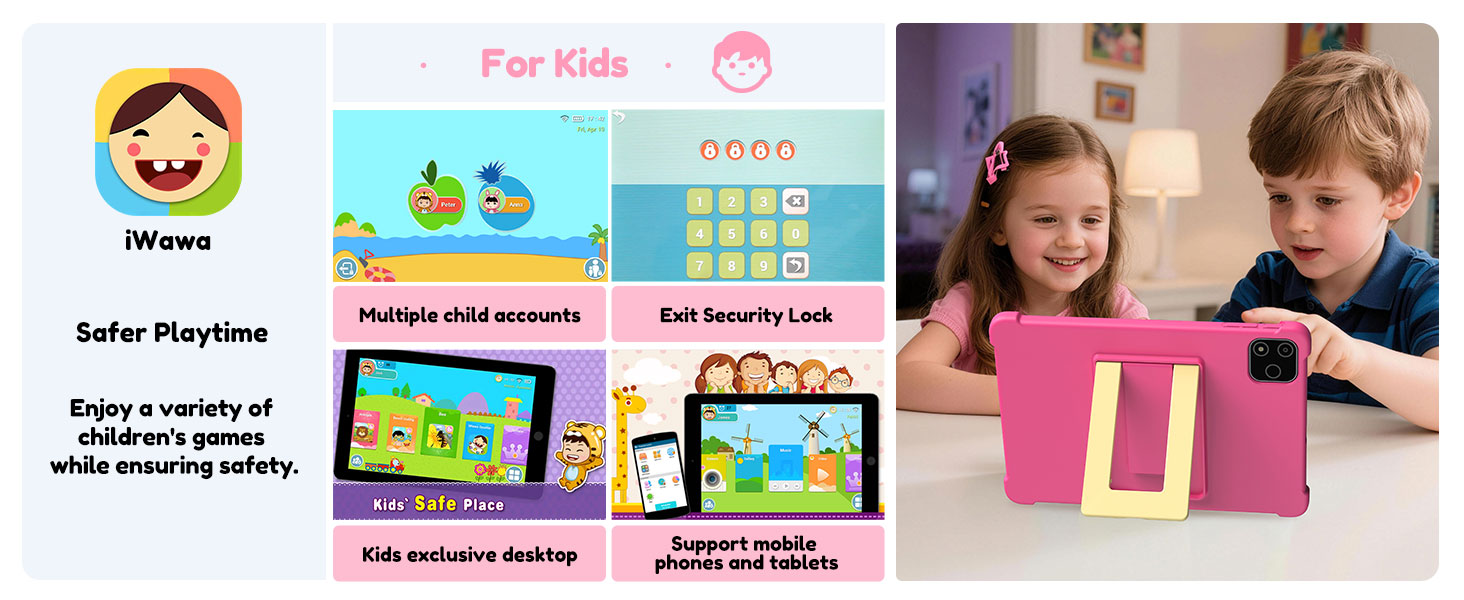
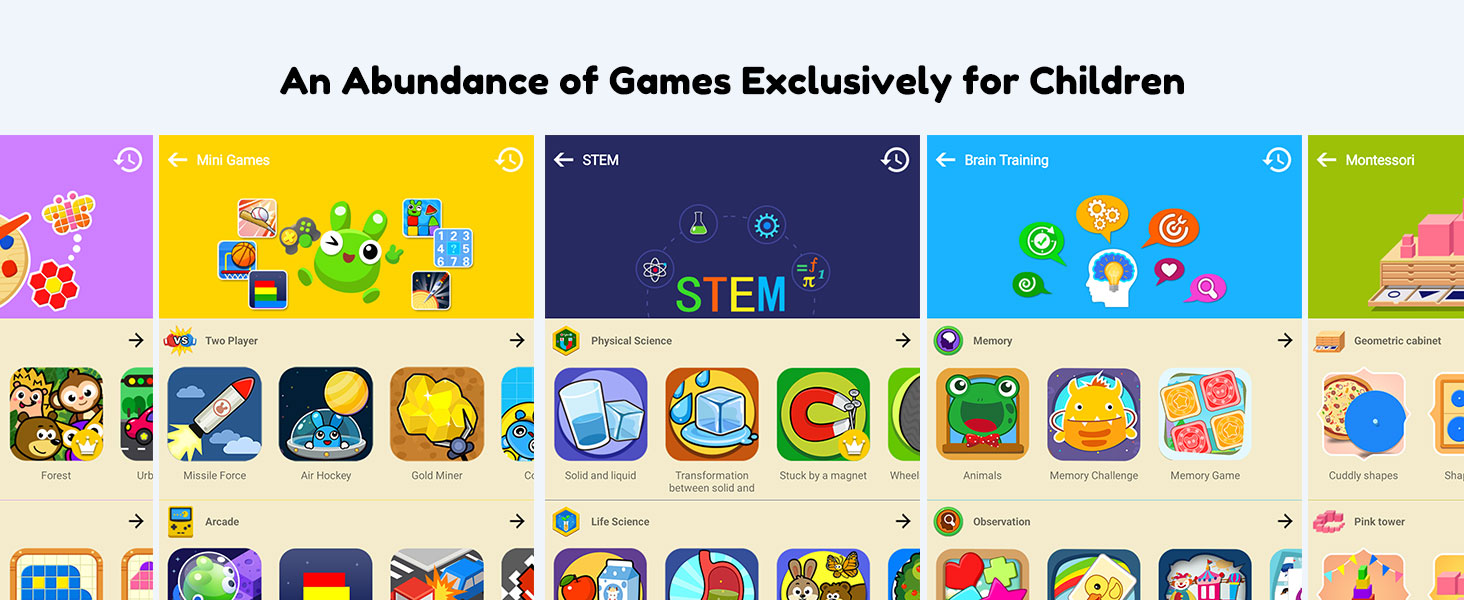
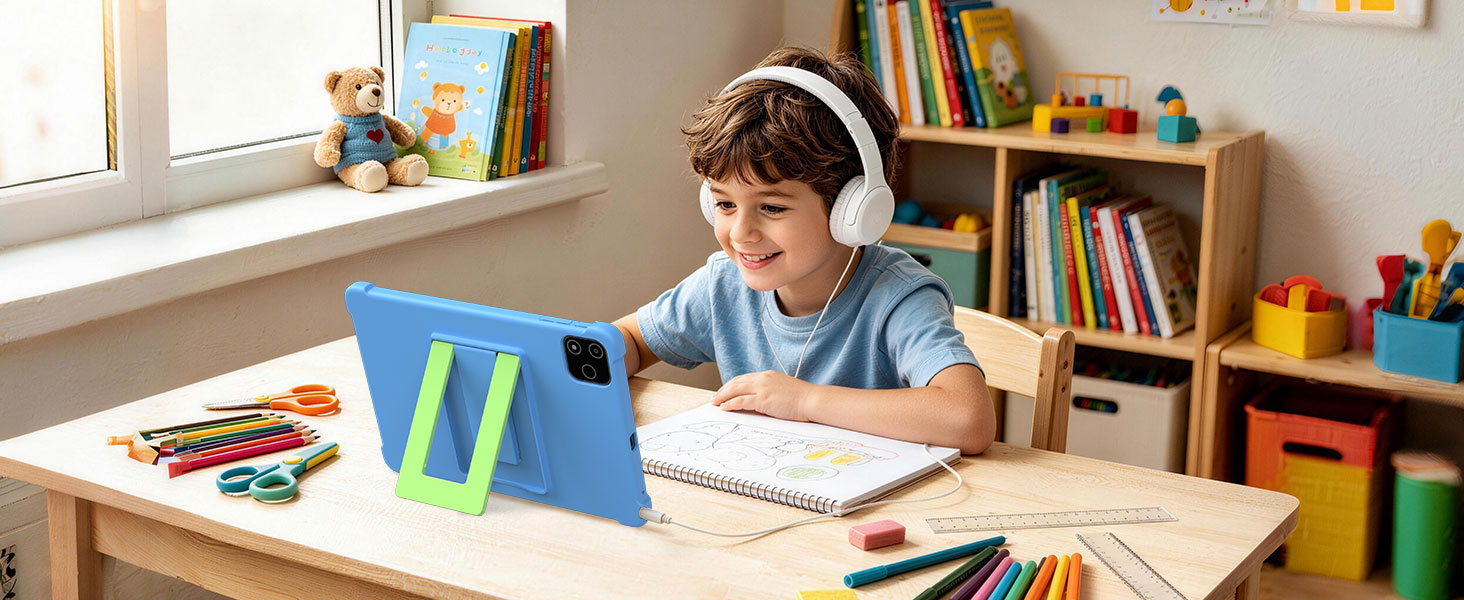
- 【Learning Ready, Out of the Box】This 10.1 inch kids tablet comes with iWawa, Google Kids Space and YouTube Kids pre-installed, offering a rich library of age-appropriate books, videos, Montessori-style games and creativity tools. As a GMS-certified Android tablet, it gives you full access to Google Play, so you can download your child's favourite learning apps as they grow.
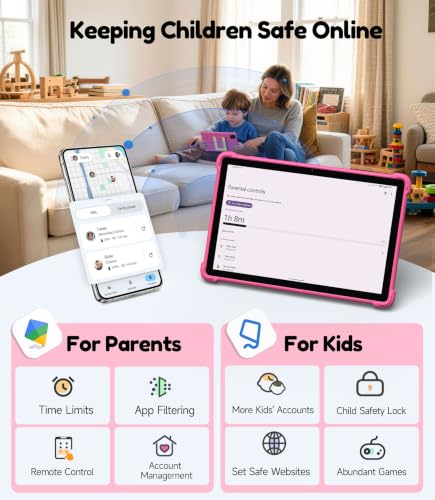
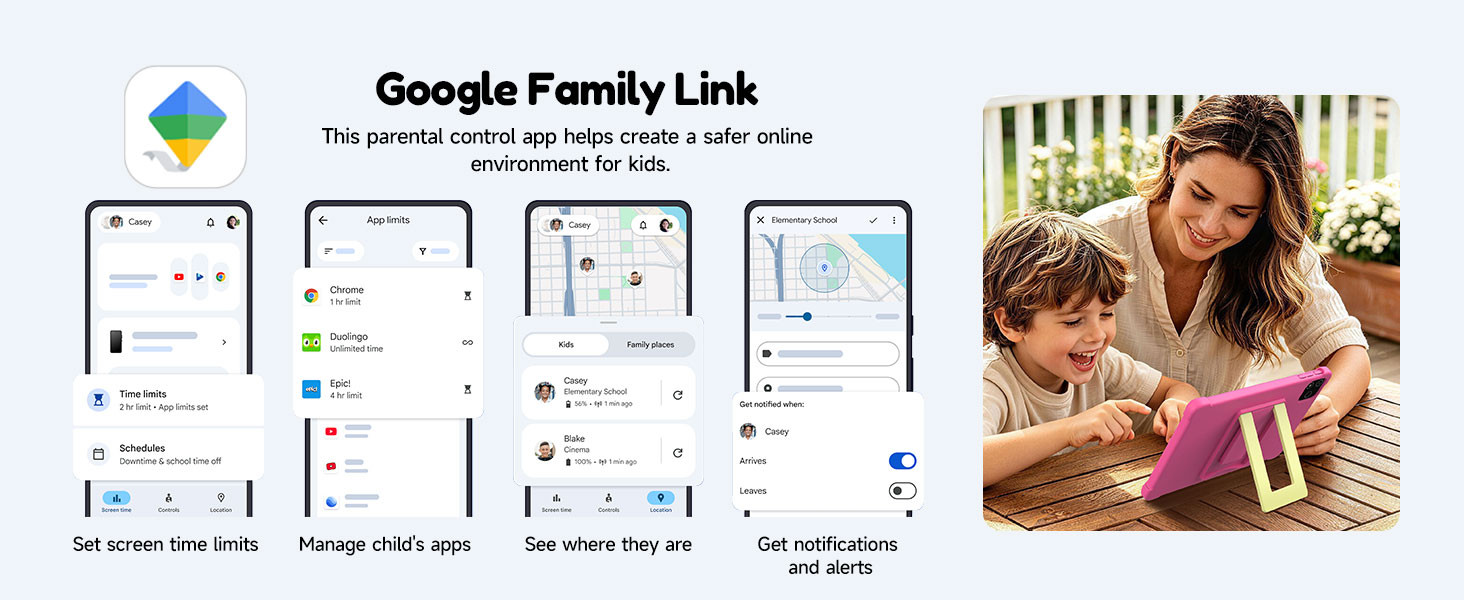
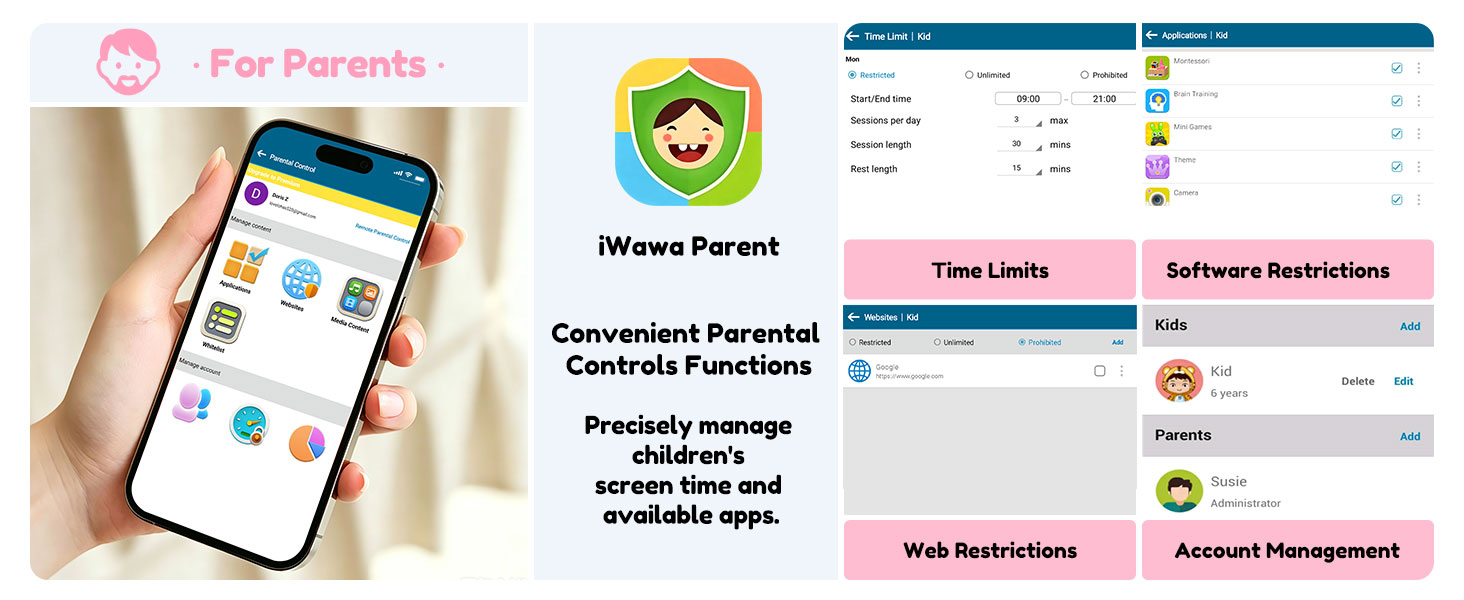
- 【Parental Control & Peace of Mind】Set daily screen time limits, approve which apps your child uses and block unsuitable websites — all remotely from your own phone via the iWawa parent app and Google Family Link. Create a separate profile for each child with age-appropriate content, making screen time safe, balanced and easy to manage.
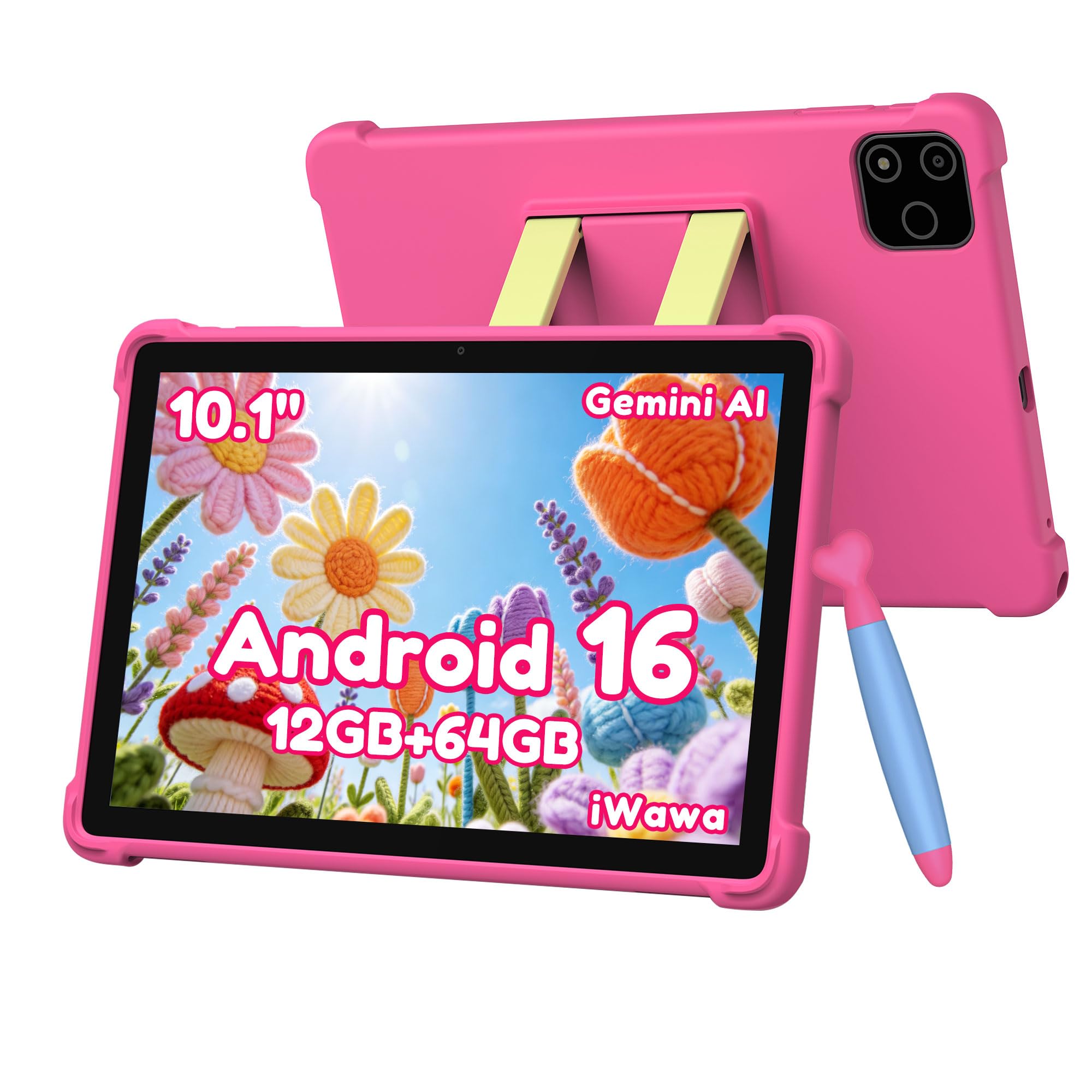
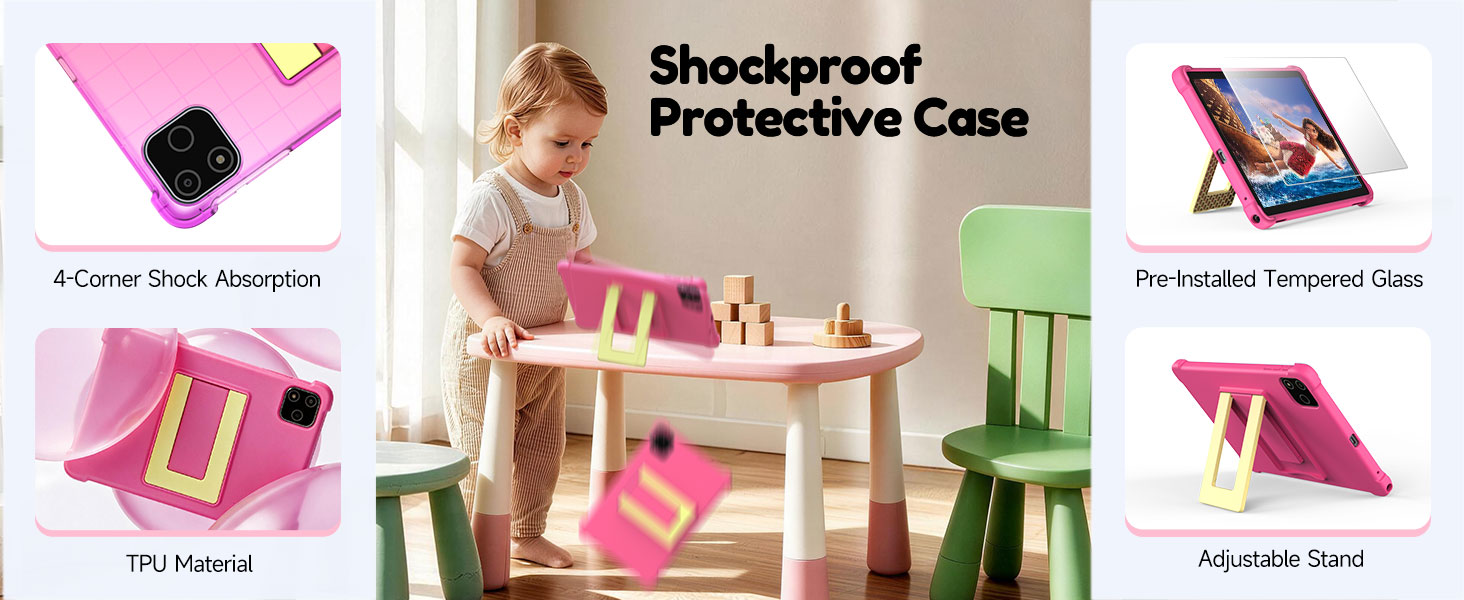
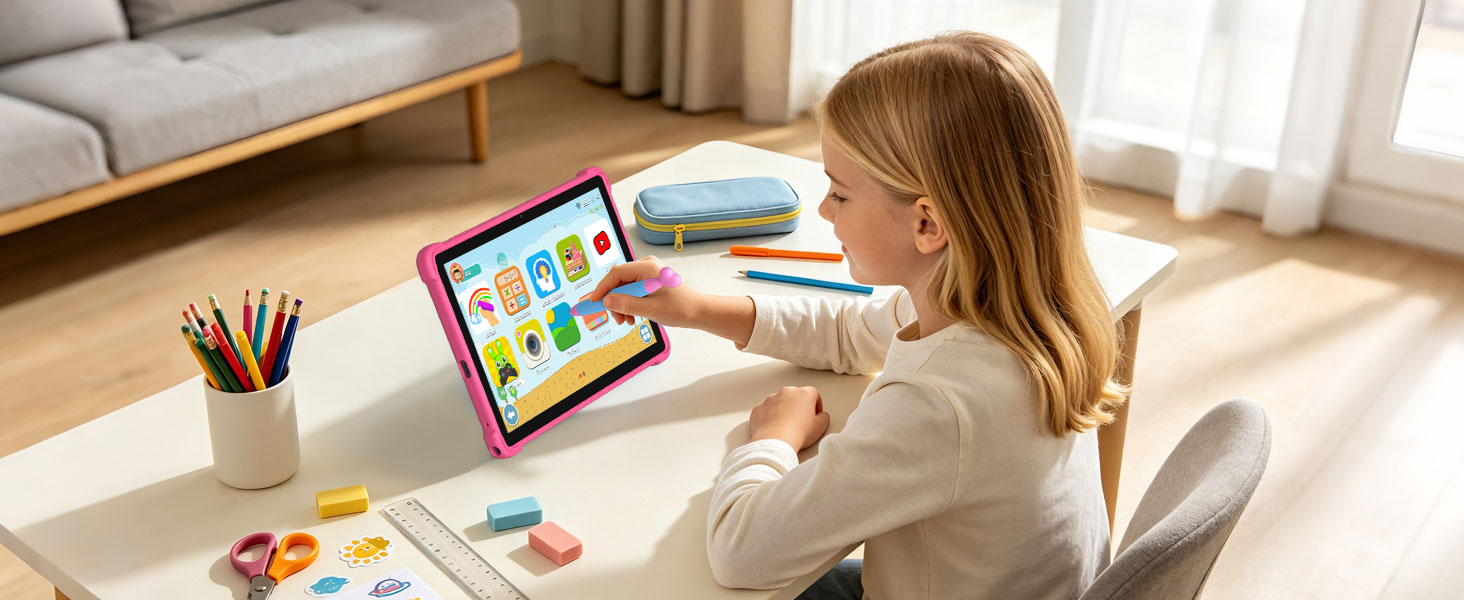
- ️【Kid-Proof Case & Stylus Included】The included TPU case with reinforced corners absorbs bumps from everyday tumbles, and a screen protector is pre-applied at the factory — no installation needed. The chubby stylus is easy for small hands to grip, while the adjustable stand supports hands-free viewing at home or hanging in the car.
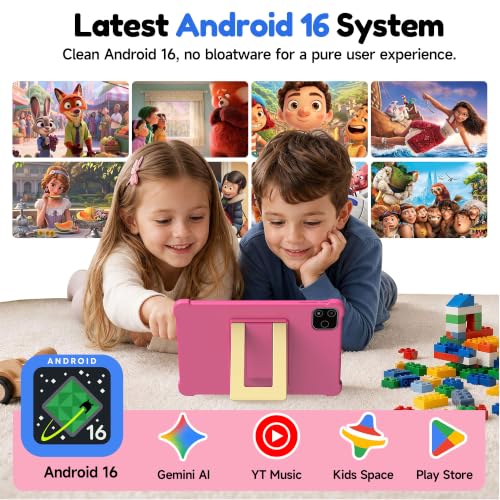
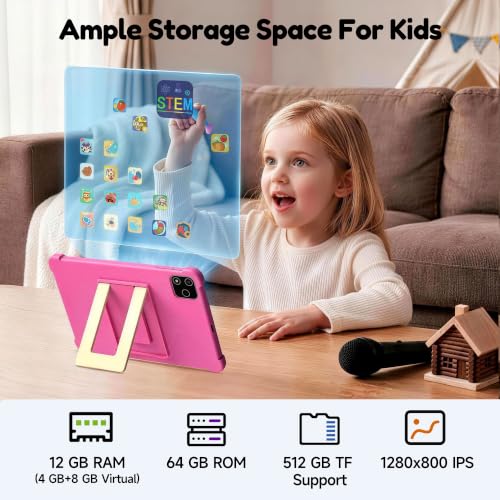
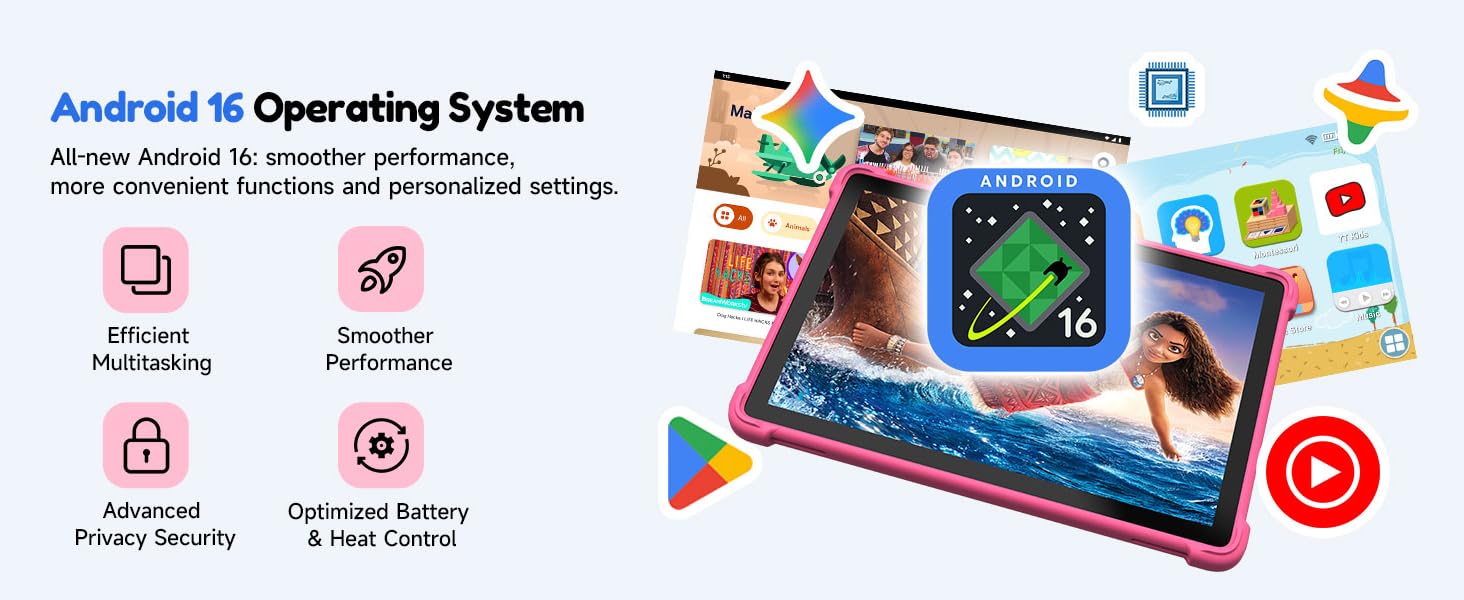
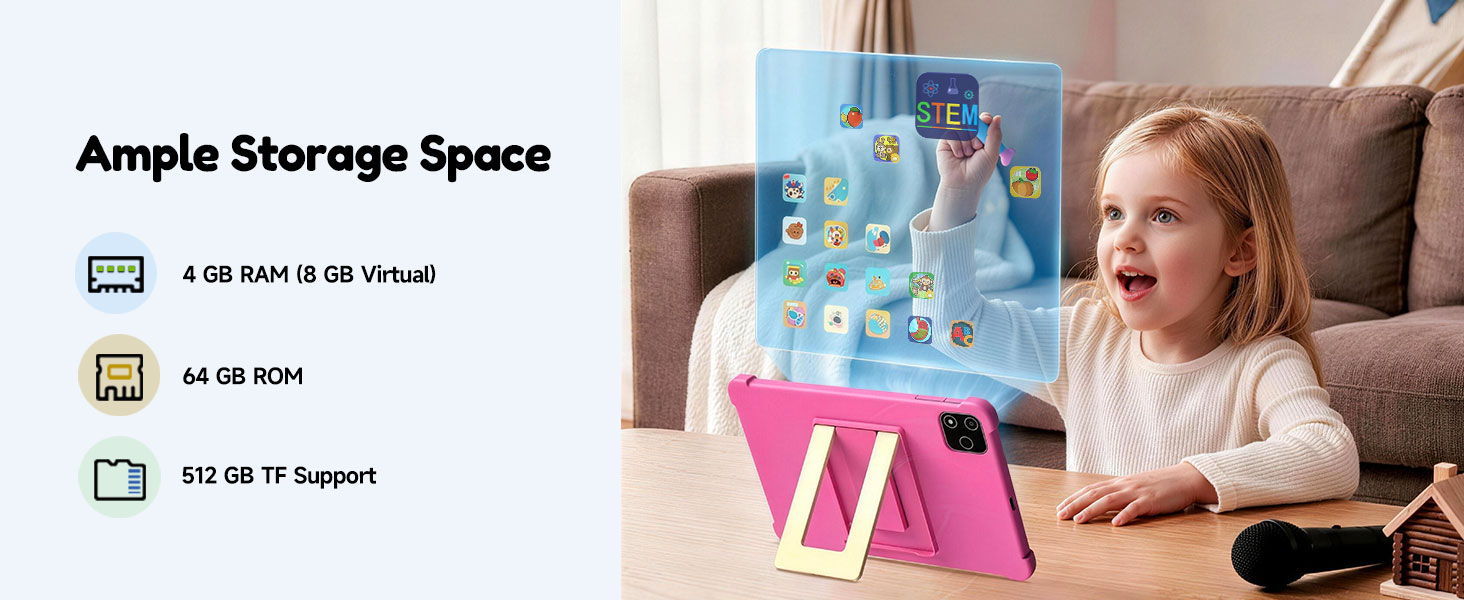
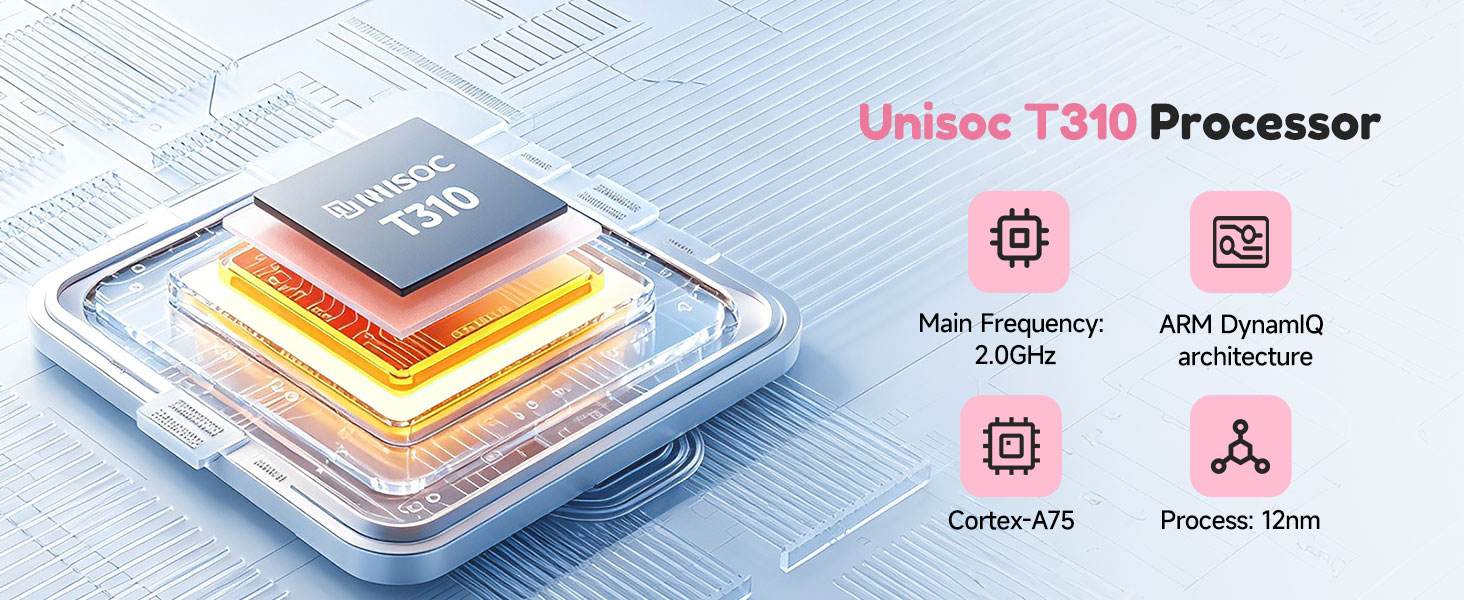
- 【Latest Android 16, Smooth & Secure】Runs the latest GMS-certified Android 16 with OTA updates, driven by a Unisoc T310 quad-core processor (up to 2.0GHz) for smooth apps and video. 4GB RAM and 64GB storage, expandable up to 512GB with a microSD card (not included). Face unlock keeps things simple for kids, and Widevine L1 support enables HD streaming.
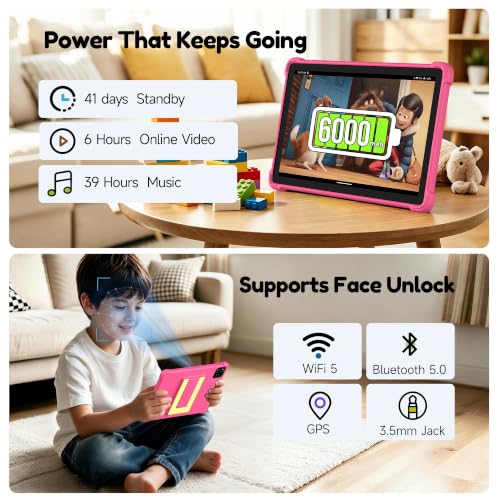
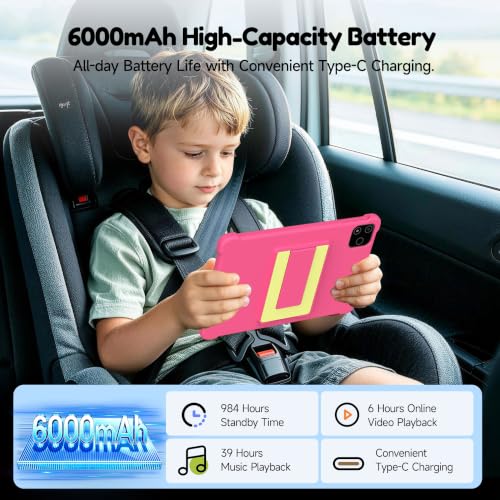
- 【Long Battery Life, Eye-Caring Screen】The built-in 6000mAh battery keeps up with a full day of learning and play, while the 10.1 inch 1280×800 IPS screen delivers clear visuals from wide angles — gentle on young eyes. A 3.5mm headphone jack works with children's wired headphones, and the tablet charges via the included USB-C cable.
Product Description
Choose the Right Tablet for Your Little One
From the pocket-sized 8″ Kido to the full-size 10.1″ iPlay 80 SE, there’s a perfect kids tablet for every age and every stage — same parental controls, same rugged protection, just the right size.
 Full-Size
” data-position=”triggerHorizontal”> 2
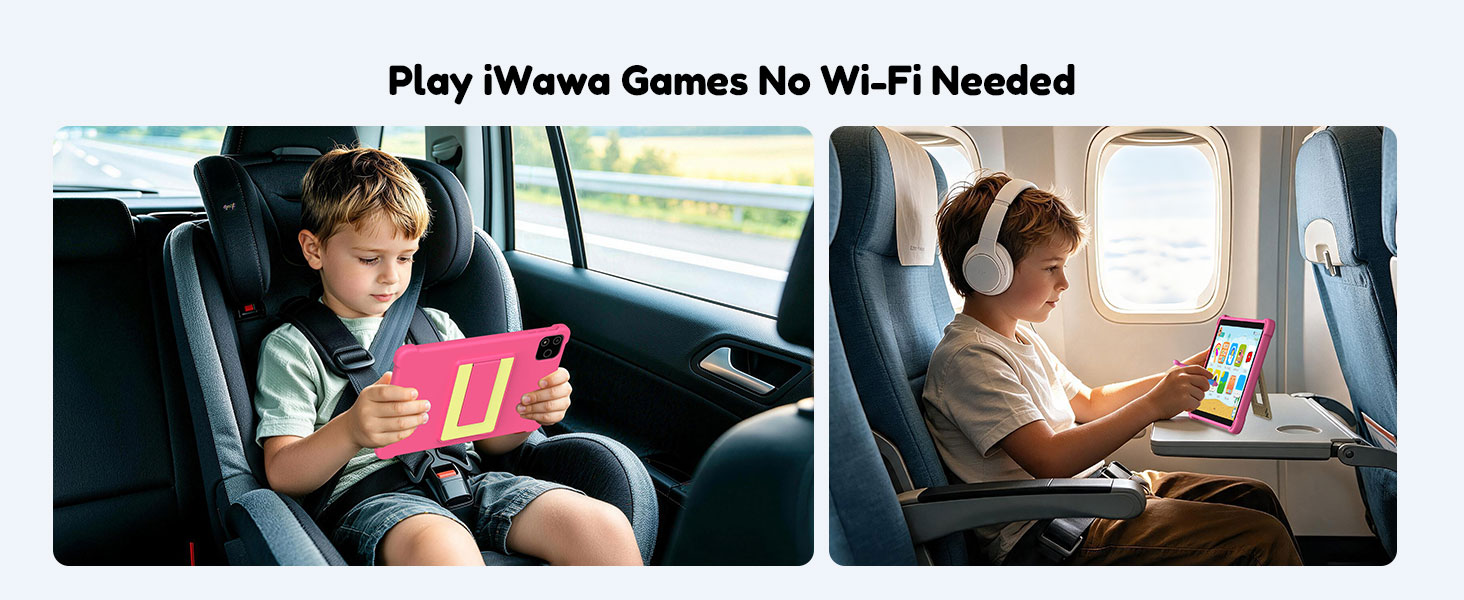
Learning, Playing and Beyond – One Tablet for Every Moment
Learning
Playing

Relaxing
Taking



LeonaKilburn (verified owner) –
well-equipped kids' tablet that offers strong performance
The ALLDOCUBE Kids Tablet offers a strong combination of child-friendly features and surprisingly capable hardware for the price. Designed for children aged 3 to 12, it comes with a durable protective case, comprehensive parental controls, and a selection of pre-installed kids’ apps to help keep younger users entertained and engaged. The bright blue design is appealing without being overly childish, and the setup process is straightforward for parents.
Performance is one of the tablet’s biggest strengths. With 12GB of RAM and 64GB of storage, it feels more responsive than many children’s tablets in a similar price range. Apps load quickly, video playback is smooth, and the tablet handles educational games, streaming services, and web browsing without struggling. The 10-inch HD IPS display provides a clear and colourful viewing experience, making it well suited to both learning and entertainment. The protective case also adds reassurance, helping the device cope with the inevitable knocks and drops of everyday family use.
At its current price of 94.99, the tablet represents very good value for money. While ALLDOCUBE may not have the same brand recognition as Amazon or Samsung, the specification is difficult to ignore at this price point. The combination of a large display, generous memory, parental controls, and child-focused software makes it a compelling option for families. Overall, this is a well-equipped kids’ tablet that offers strong performance and useful features at a very competitive price, making it one of the more attractive choices in the budget children’s tablet market.
Kirsten Korosec (verified owner) –
Good value for the price, performs reasonable well and comes with a protective case and stylus
I wasn’t expecting much from this kids tablet from ALLDOCUBE. The tablet is 10-inches and has a lovely matte finish on the back. Honestly, it felt a LOT more premium than I was expecting for the price. Feels just like a Samsung product. In terms of specs the processor is not listed so I was expecting a very budget slow performance. Setup was really easy, just like any other android device. Signed in and up and running in a few minutes. Initially it did feel laggish, but it turns out it was updating in the background and I didn’t know. As soon as it updated to the latest Android version it just transformed and became very snappy! The touchscreen doesn’t come with a screen protector and the case included doesn’t add a glass cover like other kids tablet covers I’ve used so you will need to get your own screen protector. I do feel like a case that covered the whole tablet would have been much better! The kickstand helps keep the tablet up and propped to watch content. There’s 2 speakers on the side on each end, so listening to audio when in portrait mode feels odd but much better in landscape. There’s some pre-installed kids apps on there as well as a kids space you can set up if you want to lock your child to a safe space for them to use it without accessing other settings. My child is older so I just kept it on default. Was easily able to put on the apps she uses and noticed it’s much faster vs her old A7. The stylus included is just a standard fat tip stylus, helps to control the tablet but nowhere to store it with the tablet so it does need to be kept hold. Bar the confusing spec in the photos and listings, it’s a really good tablet for the price and great value at just under 90! The size is respectable and comes in both a blue and pink colour.
ChristiAgaundo (verified owner) –
Tablet itself is decent enough for the price, same can't be said for Google's Kids Space App
This is a decent enough tablet, though the touch controls at the bottom are a little odd. It doesn’t have a back or active tiles button like any Android device I’ve used in the last few years. Instead, it just has a home screen button.
You have some limited control over it via the Family Link app, which can link kids’ Google accounts to parent ones.
Unfortunately the same can’t be said for the “pre-installed kids apps”. It uses Googles Kids Space app which creates an environment for kids a bit like a kid’s Kindle fire tablet does. Its content is allegedly carefully curated for use by kids under 9 years old, and approved by teachers. This sounds promising, but after only a little use we found that it’s actually a minefield of mindless games interspersed with the occasional educational or actually fun game. And what’s worse is that it’s absolutely riddled with advertising. And that’s even with a Google Play Plus subscription, and the apps with ads turned off in the Family Link app. Considering that it’s for use by younger kids, I find this nothing short of disgusting.
Now, strictly speaking, the Google Kids Space environment isn’t the fault of the manufacturer of this tablet. However as they’re relying on it to make this a kids tablet then I think it’s fair to make sure people know what they’re getting.
In my honest opinion, the kids kindle fire tablets have a much better selection of ad free apps available with a cheaper subscription, and most of them have something to impart (like educational, basic skills, puzzles or just hand eye coordination). I’m genuinely disappointed, if not all that surprised, in Google.
Anonymous (verified owner) –
A great little tablet with plenty to keep the little ones entertained
This is a great little tablet that comes really well equipped, both in terms of software and hardware. It includes a rugged protective case and a stylus, which are both welcome additions, especially when it’s going to be used by younger children.
It’s a lovely little device for keeping the little ones entertained, but also offers some educational value along the way, so it’s not just a screen to keep them occupied!
The screen is bright and colourful, the speakers provide good sound, and overall the functionality is really good. I was actually expecting it to be a little laggy, particularly after extended use, but it’s been surprisingly responsive and hasn’t given me the performance issues I anticipated.
The 64GB storage is a decent size for apps and content, and the battery life has been rather good too. I also really like the parental controls, which are straightforward to set up and make it easier to manage what the children can access.
Overall, I’m really impressed with what’s included for the price. A well-equipped little tablet that offers entertainment, learning and some useful parental controls. Definitely a good option for the little ones!
ReneHartfield (verified owner) –
A very usable little table
First off, the pink bumper is optional. We have put it on and it does make the table seem more rugged, but if it doesn’t match your style it doesn’t need to be there.
My youngest daughter had started to get a bit jealous that her siblings always remembered to ask for borrowing devices before she did. Although we try and be fair, and restrict the amount of time they spend on devices, there are times where one misses out.
I set this table up with google family and put it in to kids mode. This has locked the table to only being usable for a set amount of time each day (which then requires the parent to extend if agreeable). This worked correctly, with the only faults being a google problem not the tablet’s.
The battery life has been OK. It seems to need charging every other day, so we have a routine that the devices that need a charge get put by our bed before bedtime, otherwise it is someone else’ problem if it isn’t charged the next day.
The screen is bright enough, and is a decent quality. For the ‘educational’ games that are being use the response is quick enough to keep the children happy.
Using it is as easy as using any other Android based tablet.
jj-jen (verified owner) –
A solid first tablet option for kids - with a few drawbacks
For the price, I believe this is a good kids tablet. It has decent functionality with the ability to tailor the experience to the child’s needs and keep them safe and secure.
As other reviewers have said, the Google Kids Space app leaves a lot to be desired when it comes to curation and dealing with ads – it’s not the only way to use the tablet, but it is an important feature and not as good as I’d expected.
Does the spec stand up? I’d say this is a capable budget device with a few notable bottlenecks…
Processing & Performance: it handles standard learning apps, YouTube Kids, and streaming videos smoothly. However, because it’s an entry-level quad-core chip, multi-tasking or demanding 3D games can lead to stuttering.
Storage Expansion: The 64GB of internal storage fills up quickly if you cache offline video streaming or large educational games.
A microSD slot supports expansion up to 512GB.
Physical Durability & Protection: The included TPU case with reinforced corners and the pre-applied factory screen protector are definite highlights. They absorb everyday drops and tumbles exceptionally well, and protecting the tablet from clumsy handling.
Display & Battery: The screen offers decent wide-angle viewing without being overly sharp (which is fine for young eyes), and the 6,000mAh battery lasts well.
Overall, I think this is a good value, mid-range
tablet for kids that enables safe learning, streaming and gaming. The parental controls via the iWawa parent app and Google Family Link work well and the stylus is a neat addition not often found with tablets as standard.
Pros & Considerations…
Pros: robust kid-proof bumper case and pre-applied screen protector; decent parental control ecosystem (iWawa and Family Link); expandable storage.
Cons: The Google Kids Space app features annoying ads and weak curation; built-in speaker quality is only average; entry-level quad-core processor will struggle with more CPU-heavy apps.
The Verdict
Priced at 97.85, the ALLDOCUBE Kids Tablet provides a secure, well-protected, and functional gateway for young children’s digital learning.
FranklyKUSY (verified owner) –
Good mid-range tablet for all
This is a kids’ tablet because of the protective case and the kids’ apps, but it is also a reasonably priced good tablet in general. In all honesty you could add parental controls and suitable apps to any tablet, but it is nice that this has them preloaded.
I have no kids but was looking for a good tablet for entertainment. This has a big screen and fairly up to date software (the newest version of Android, number 17, superseded this in June 2026, but that’s still not bad at all). You can install any apps you want to in the usual way, nothing is blocked unless you set up the parental controls.
The screen is bright and clear, and apps run well without lagging. Battery life is good, especially on standby. Sound quality is good enough, not super loud, but clear and not distorted.
Bluetooth connectivity is good. I have connected it to my headphones and my scrolling ring (so I can read ebooks in bed without having to hold the tablet). I am not worried about internal storage as I will mostly use this for web browsing, ebooks and streaming. But you can also use memory cards.
It has an old-school headphone jack, which is an added bonus, and a stylus, which is chunky for kids. As a grownup I won’t use that, and I might change the case to something a bit more me. But overall I am happy with the tablet.