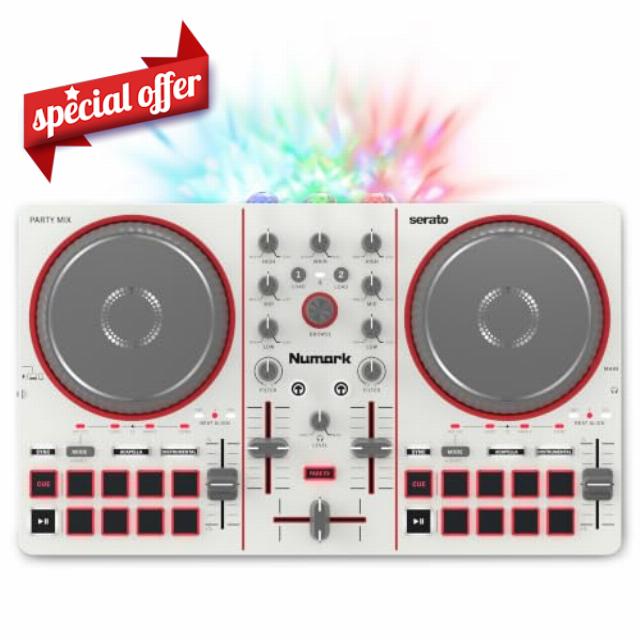
Numark Party Mix III (2026) Bluetooth DJ Controller with Lights, Cream
| ASIN: | B0H3W663S3 |
| Colour: | Cream |
| SKU: | L4FB0H3W663S3 |
| Weight: | 1.1 kg |
- Beginner-Friendly DJ Controller – Visual Beat Align and Smart Faders ensure smooth, easy mixing for first-time DJs
- Free Video DJ Lessons – Includes exclusive access to step-by-step Crossfader video training for beginners
- Pro DJ Software Included- Start mixing instantly with Serato DJ Lite and Algoriddim djay integration
- Bluetooth and USB-C – DJ entirely wirelessly or connect flawlessly to phones and laptops
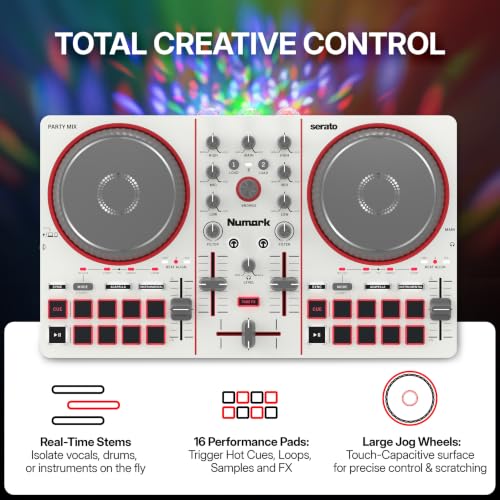
- Pro Mixer & Stems Control – 16 pads, 3-band EQ, and real-time Stems control for live mashups
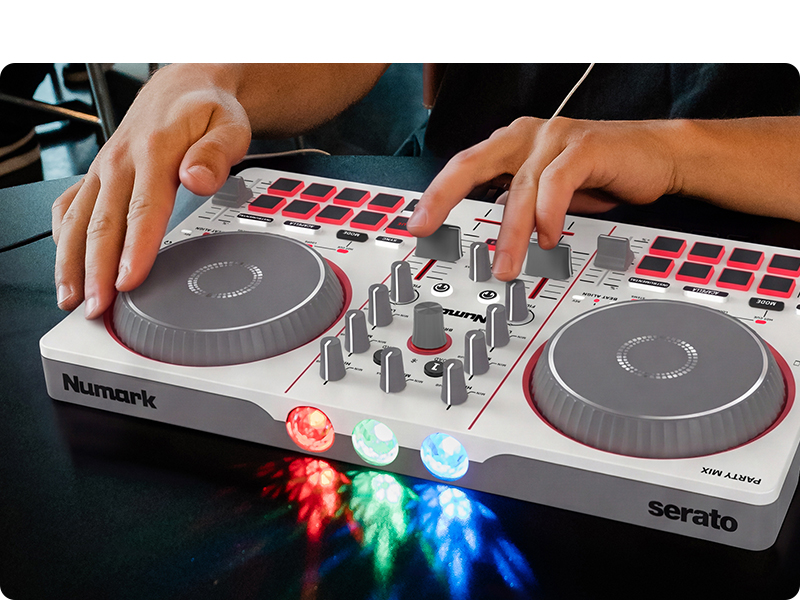
- Built-In Beat-Synced Light Show – Create an instant party atmosphere wherever you go. The controller features an integrated LED light show with three dynamic, multi-colored lights that automatically project and synchronize to the beat of your music, transforming any ordinary room into an energized dance floor
- Integrated Pro Audio Interface – Experience a true DJ workflow with the built-in, high-quality sound card. Connect directly to your favorite PA or home speakers using the main RCA output, and utilize the dedicated 1/8-inch headphone jack to privately preview, beatmatch, and cue your upcoming tracks before the crowd hears them
- Ultra-Portable, USB-Powered Design – Take the party anywhere with a compact, lightweight chassis built for travel. The Party Mix III is completely USB-powered, meaning you can easily pack it in a backpack and perform on the go using just your smartphone, a tablet, a laptop, or even a standard portable power bank
- What's In The Box – Your complete DJ starter kit includes the Numark Party Mix III Controller, a USB-C Cable for modern devices, a Software Download Card, a handy Smartphone/Tablet Stand, a 1/8" to Stereo RCA adapter, a Quickstart Guide, and a Safety & Warranty Manual
From the manufacturer
PLUG IN & PARTY:
Your Playground of Sounds and Switch-Ups
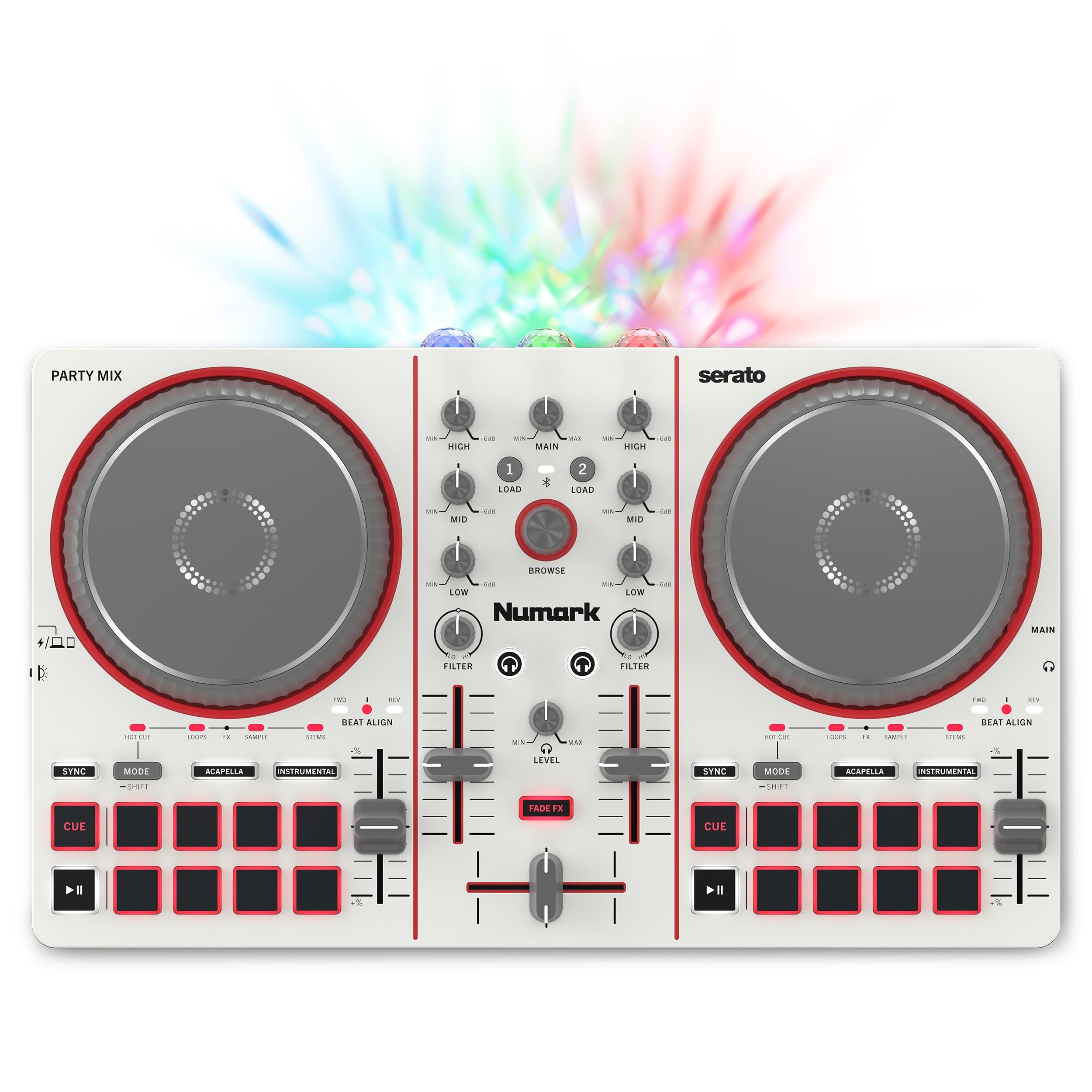
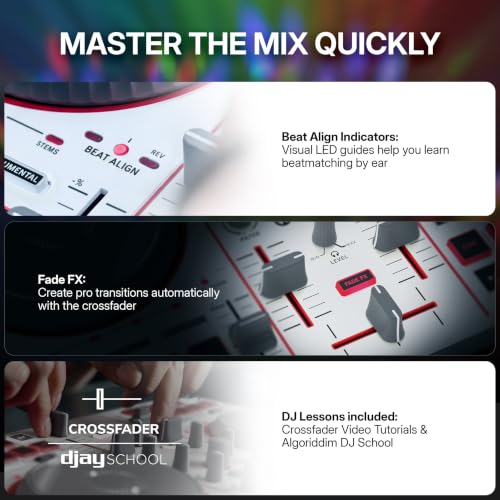
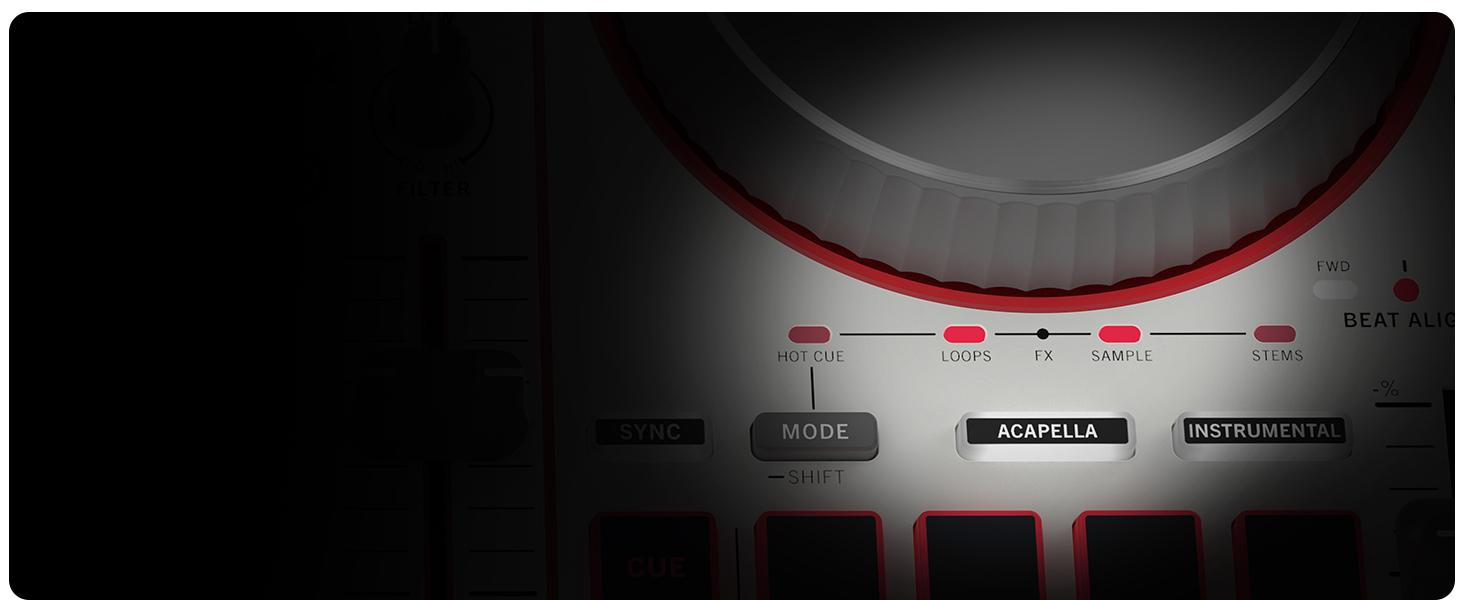
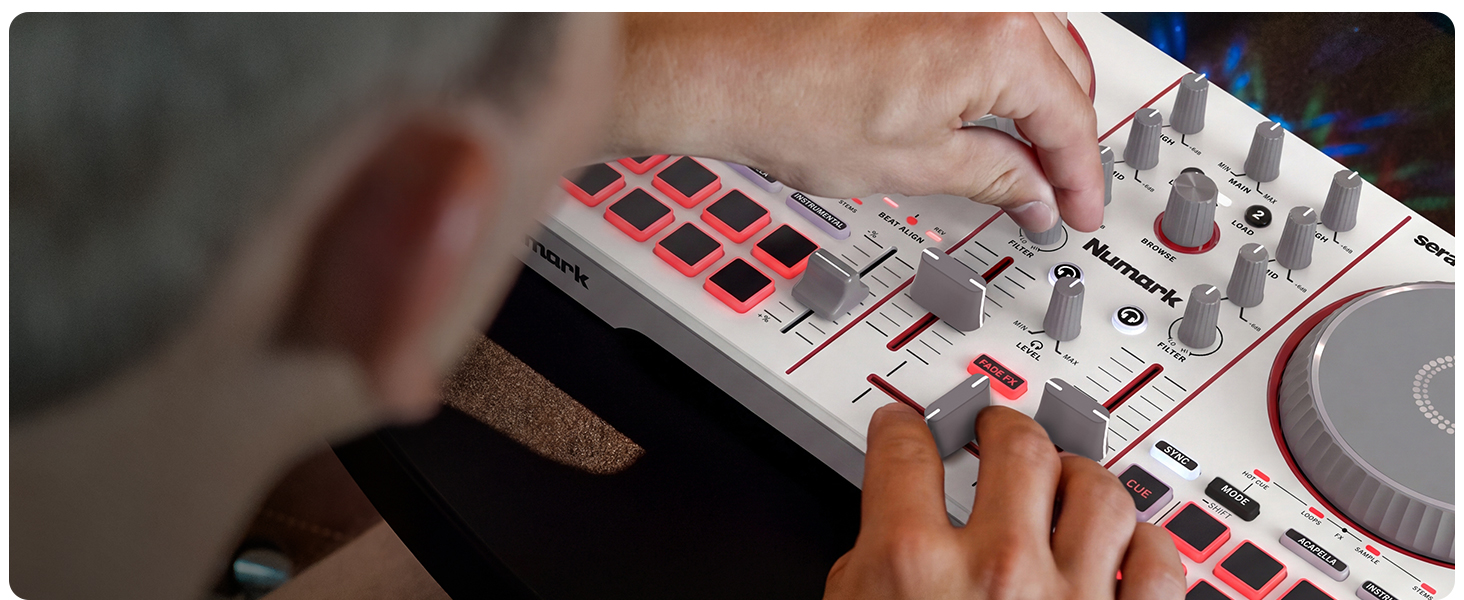
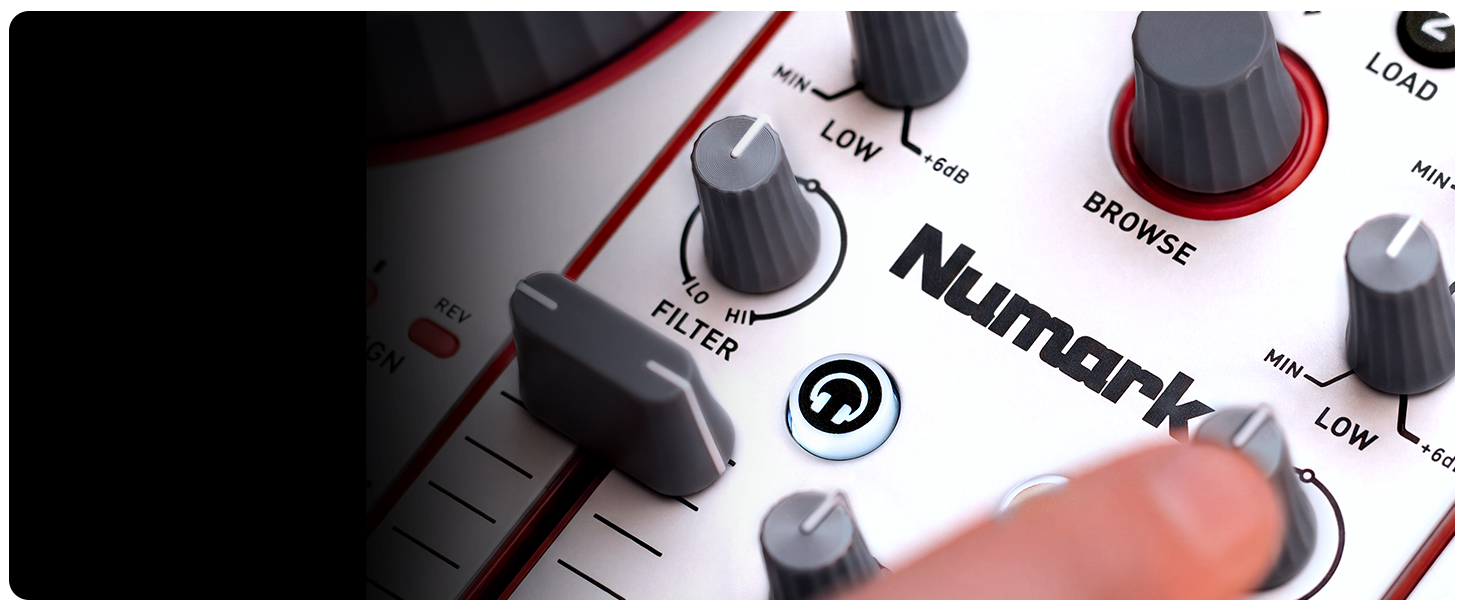
Start shaping your sound with the 2-deck layout and full-featured mixer section, complete with 3-band EQ and Filter knobs. Use the built-in sound card to preview tracks and fine-tune every transition in your headphones before your crowd experiences it, and allow Beat Align to guide your timing as you learn and perfect the art of beat matching.



PLATTERS & LIGHTS:
Statement Pieces That Make Your Set Stand Out
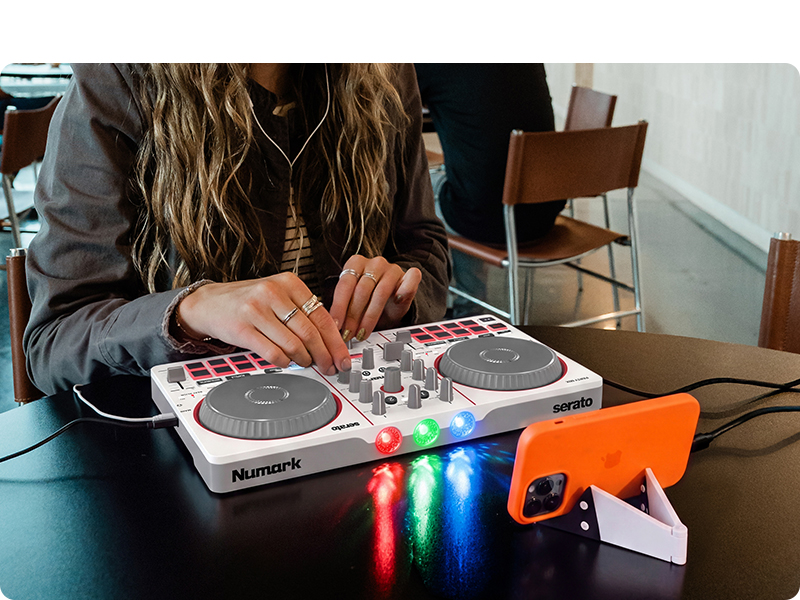
Set the party off right. This controller’s responsive platters give you precise, hands-on command of every mix for a fluid and intuitive flow. Bring it all together with a built-in, beat‑synchronized LED light show that’ll keep the energy up through your whole set.
CREATIVE INSPIRATION:
Just Getting Started? We Got You
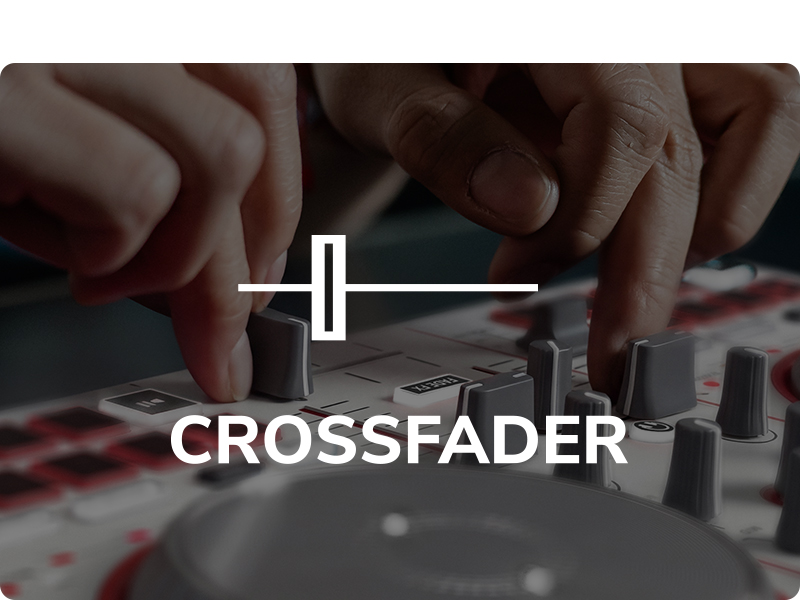
Get mixing right away. We teamed up with our friends at Crossfader to bring you exclusive tutorial videos that walk you through everything you need to start DJing with Party Mix. Scan the code on your Party Mix’s box or Software Download Card to unlock your Numark adventure.
Bluetooth Control and Software Compatibility
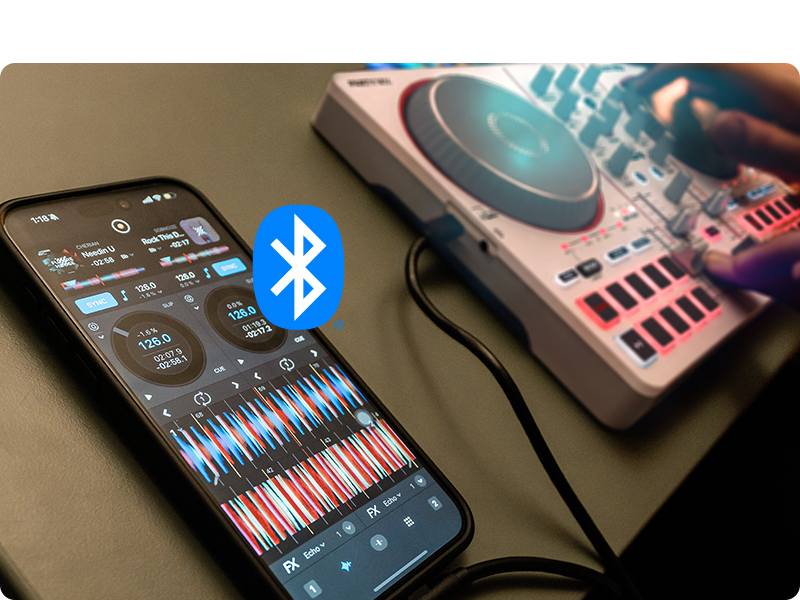
DJ wirelessly with Bluetooth control of Algoriddim djay on iOS and Android, just connect to a power bank or adapter using the included USB-C cable. Party Mix unlocks Algoriddim djay and Serato DJ Lite for free so you can start mixing right away on your laptop, tablet, or smartphone.
PERFORMANCE PADS:
Additional Pad Modes
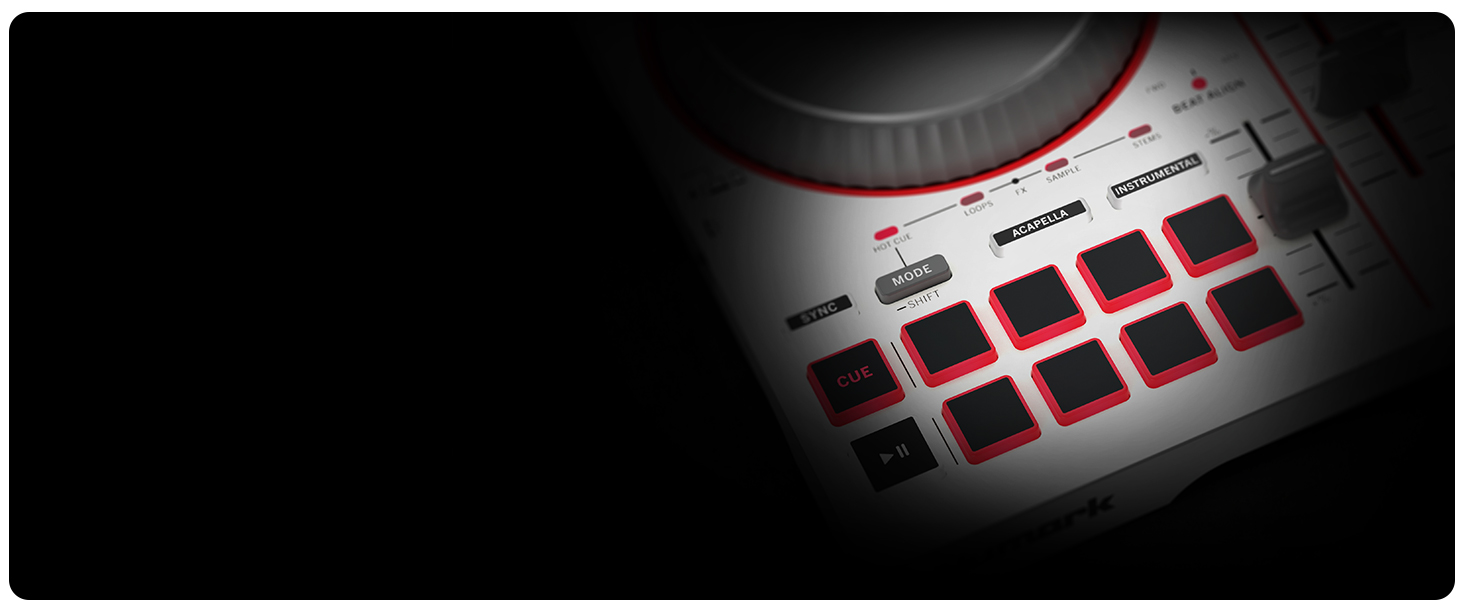
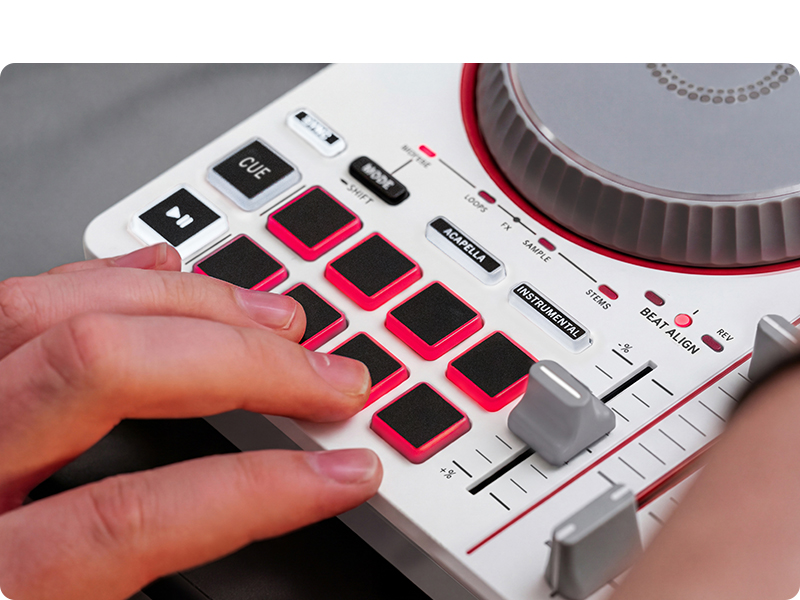
Eight pads per deck means you have access to extra pad mode options like Beat Jump when connected to compatible software.
COLORWAYS:
Your Look, Your Sound, Your Style – Your Choice
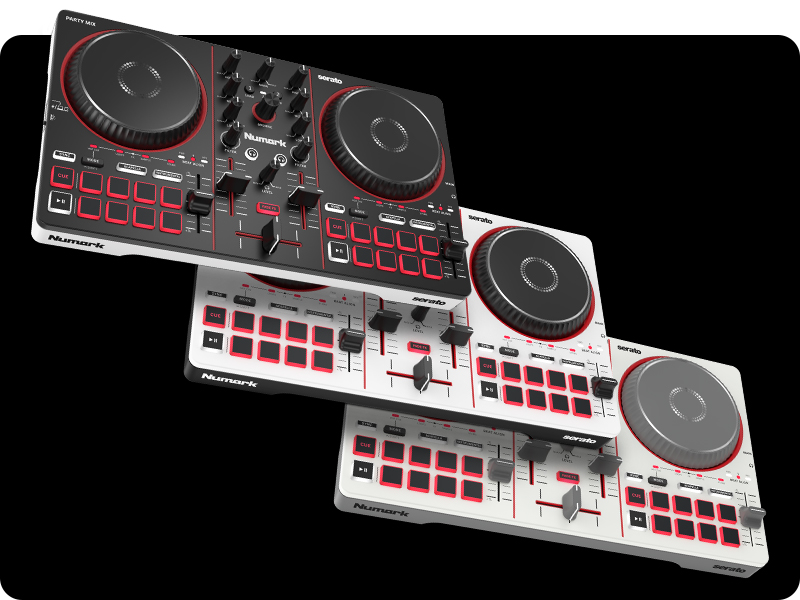
From your home studio to the club to the afters, Party Mix is made to match your vibe and aesthetic wherever you play. Available in your choice of striking black, modern cream or white finish.
Find Your Sound and Feel Your Mix
Keep your mixes fresh with effects that are easy to control and fun to explore. Add texture, build tension, and bring energy into every transition with dynamic Pad FX, Fade FX, and Filter knobs.
EFFECTS: Filter & EQ Control
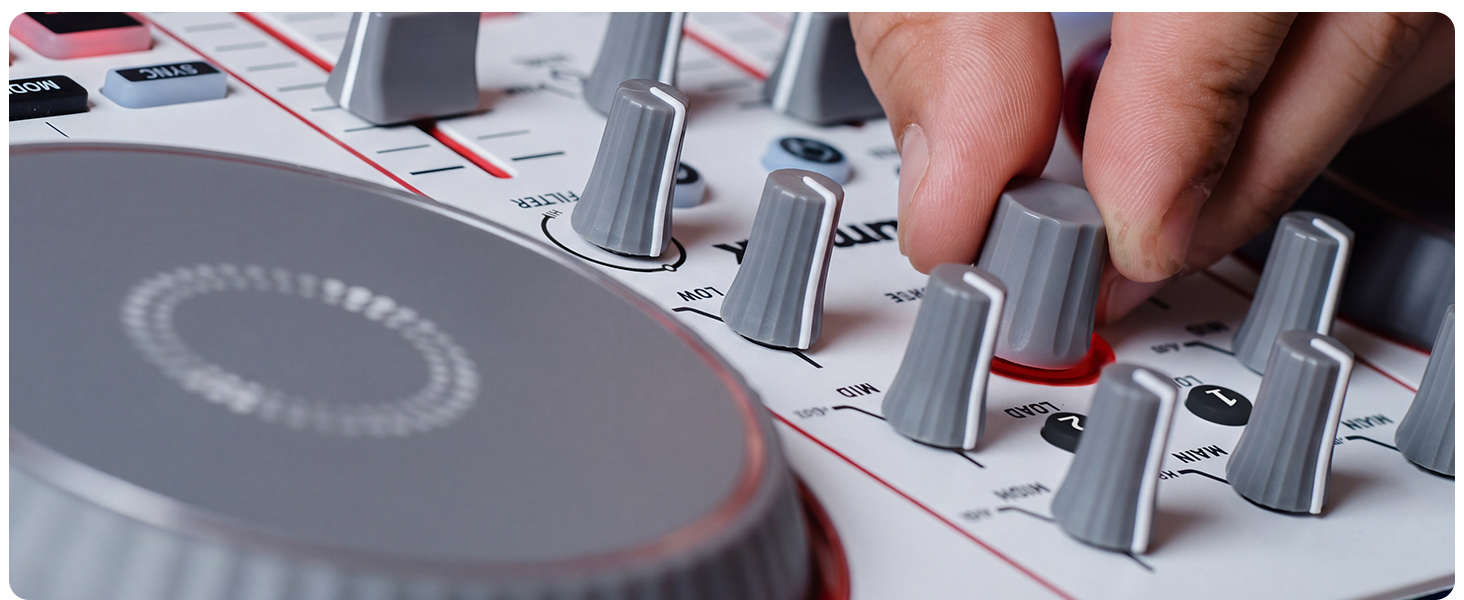
Dedicated Filter and 3-band EQ controls on each channel allow you to sweep between high-pass and low-pass filtering or fine-tune highs, mids, and lows to balance tracks and blends.
EFFECTS: Post-Fader Effects
Create smooth transitions like a pro. Effects like Echo continue even after you cut the audio track, giving you (and your audience) more space between transitions.
EFFECTS: Cue & Playback Control
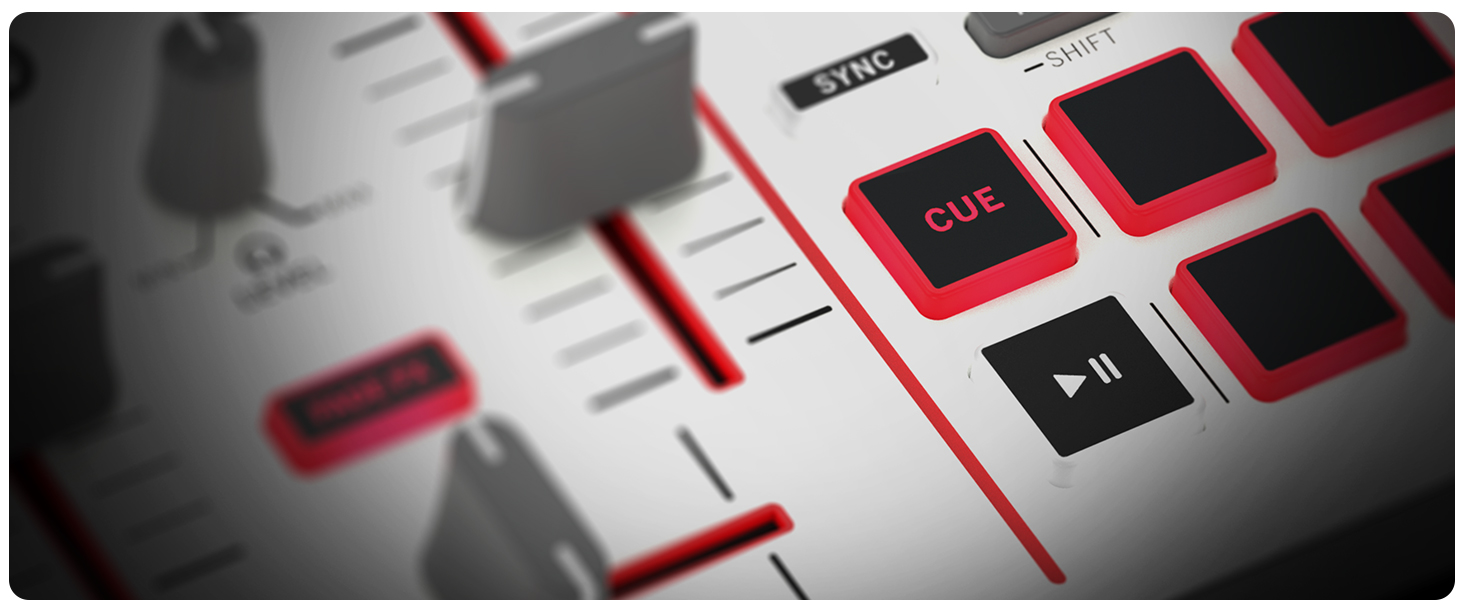
Dedicated Cue and Play buttons let you quickly set cue points, stutter start tracks, and return to an exact moment or specific sound for tighter mixes.
EFFECTS: Browse & Load Control
Use the central Browse knob to scroll through your library and load tracks to either deck, so you can find and drop in the perfect song without interrupting your flow.
FADE FX: Infuse Every Mix with Instant Energy
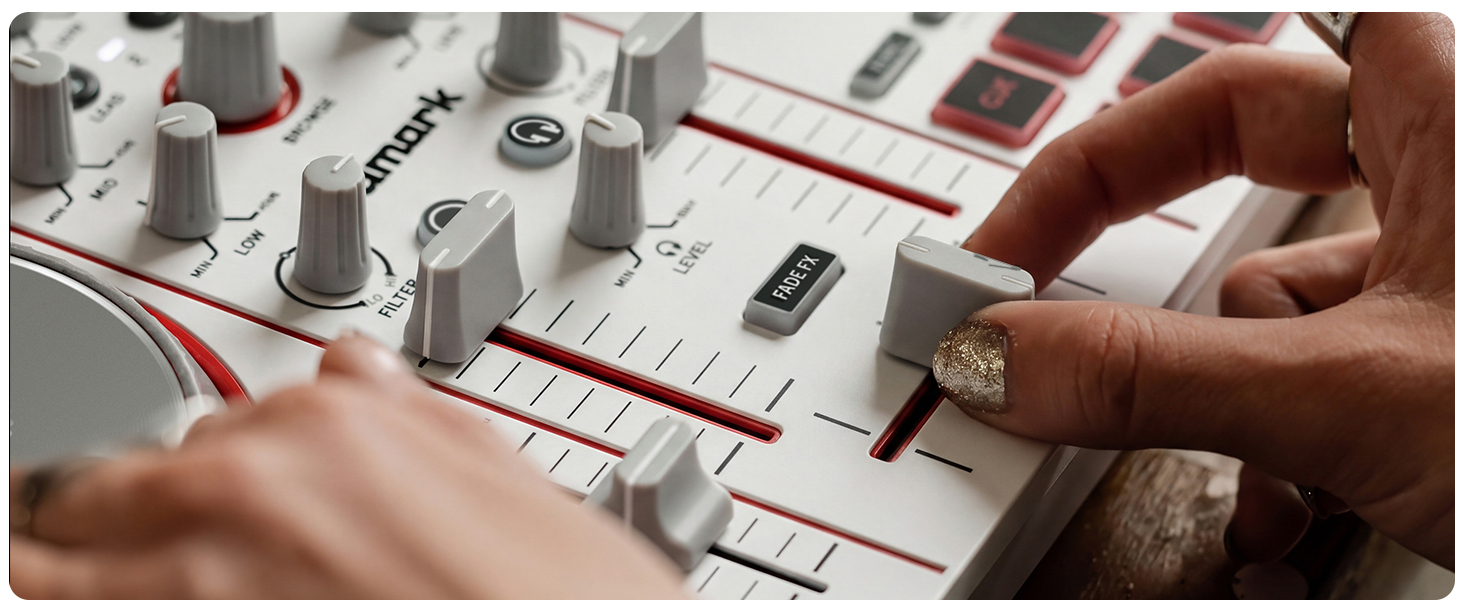
Shape smooth transitions and dynamic drops with Fade FX. Trigger different FX and EQ adjustments automatically just by moving the crossfader.
Discover Your New Go-To DJ Software
Get started instantly with plug-and-play support for Algoriddim djay (iOS/Android), djay Pro (Mac/Windows) and Serato DJ Lite (Mac/Windows). Serato DJ Pro and VirtualDJ are supported (additional license required). Plug in your smart device and jump right into your set – play how and where you want to.
Wired Performance Setup
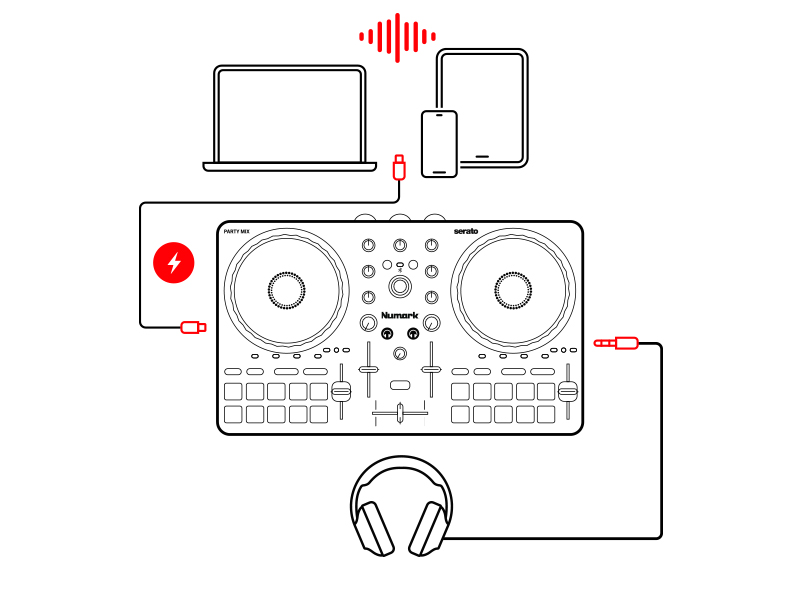
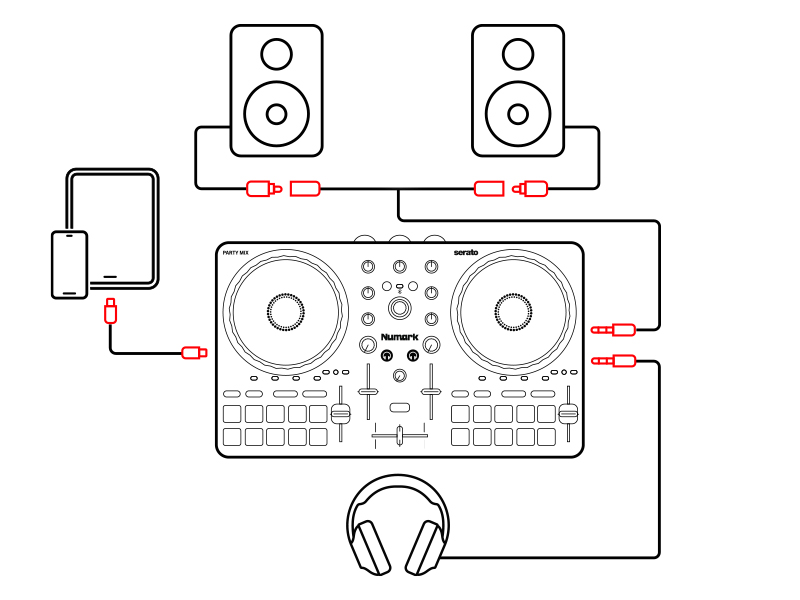
Get the ultimate party setup for the best possible sound. Connect your laptop, tablet, or smartphone via the included USB-C cable to utilize the Party Mix’s built-in audio interface. This allows you to drive external speakers via the main RCA outputs while privately cueing your next track in your headphones for a professional mixing experience.
Mix via Bluetooth Setup
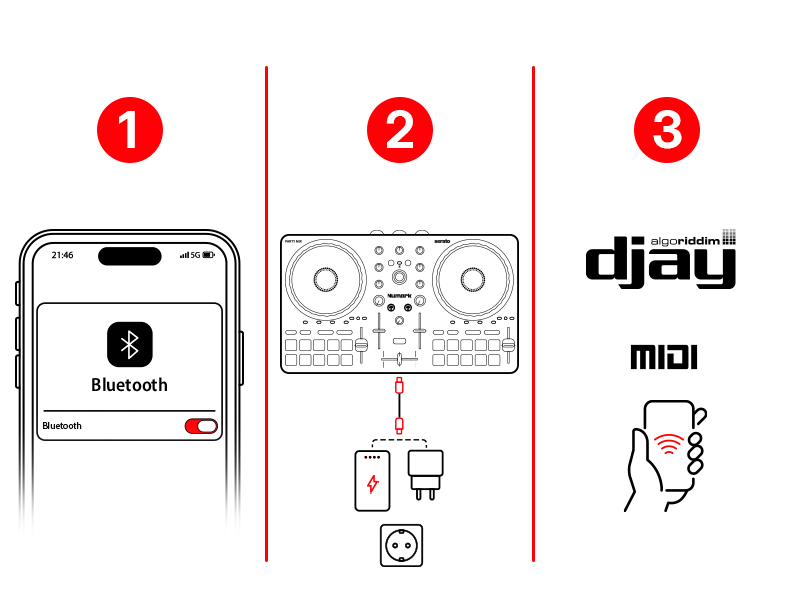
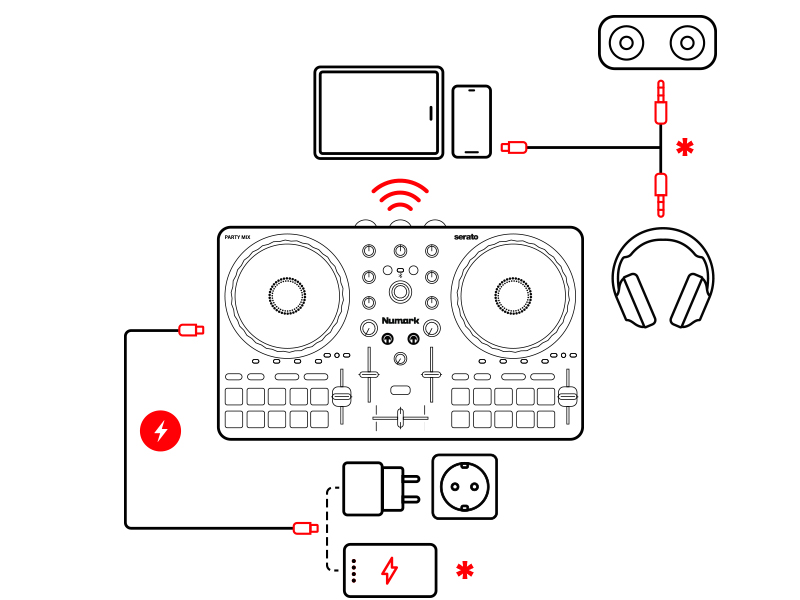
Unleash ultimate portability and take the party anywhere. Connect wirelessly to Algoriddim djay on iOS or Android via Bluetooth MIDI for untethered control. Power the controller easily from a standard USB power bank or wall adapter, and handle audio output directly from your mobile device using a splitter (sold separately) for headphones and speakers.
Practice Setup
For hassle-free practice sessions, keep it simple. Connect the Party Mix directly to your laptop, smartphone, or tablet using the single included USB-C cable for both power and control. In this streamlined setup, your mix plays directly through your computing device’s built-in speakers, letting you jump into mixing anywhere without needing external audio gear or complicated wiring.
Connect to Bluetooth Guide
Ready to mix wirelessly? Follow these steps for Bluetooth MIDI connection: First, ensure Bluetooth is enabled on your iOS or Android device. Next, power the Party Mix using a standard USB power bank or wall adapter. Finally, open the Algoriddim djay app, navigate to Settings > MIDI Devices, and select “Scan for Bluetooth MIDI Devices” to find and pair with the controller.
Every Part of Your Mix, Made to Play Your Way
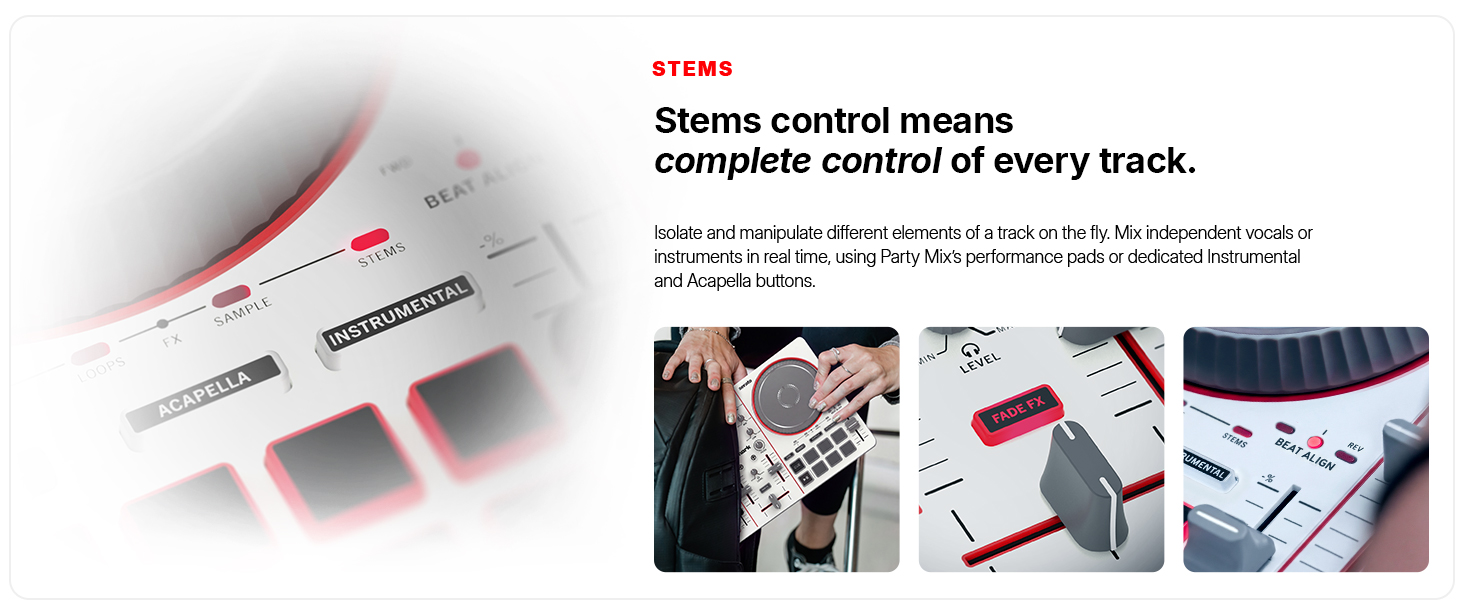
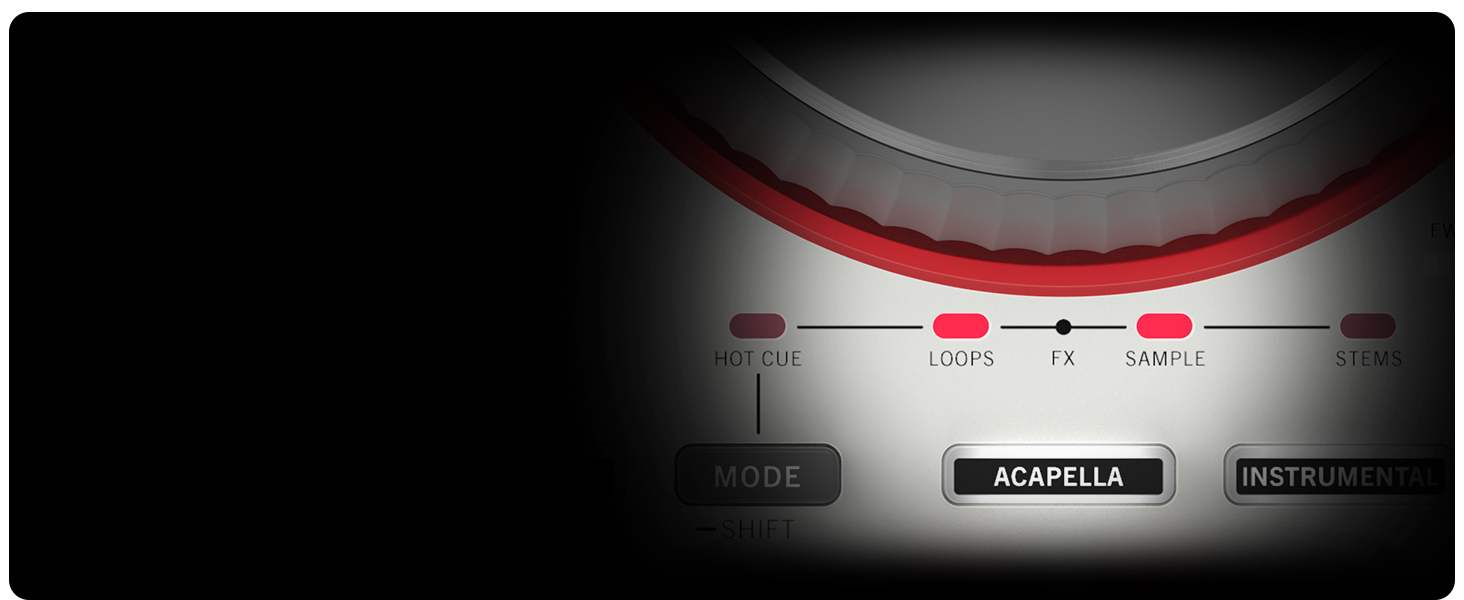
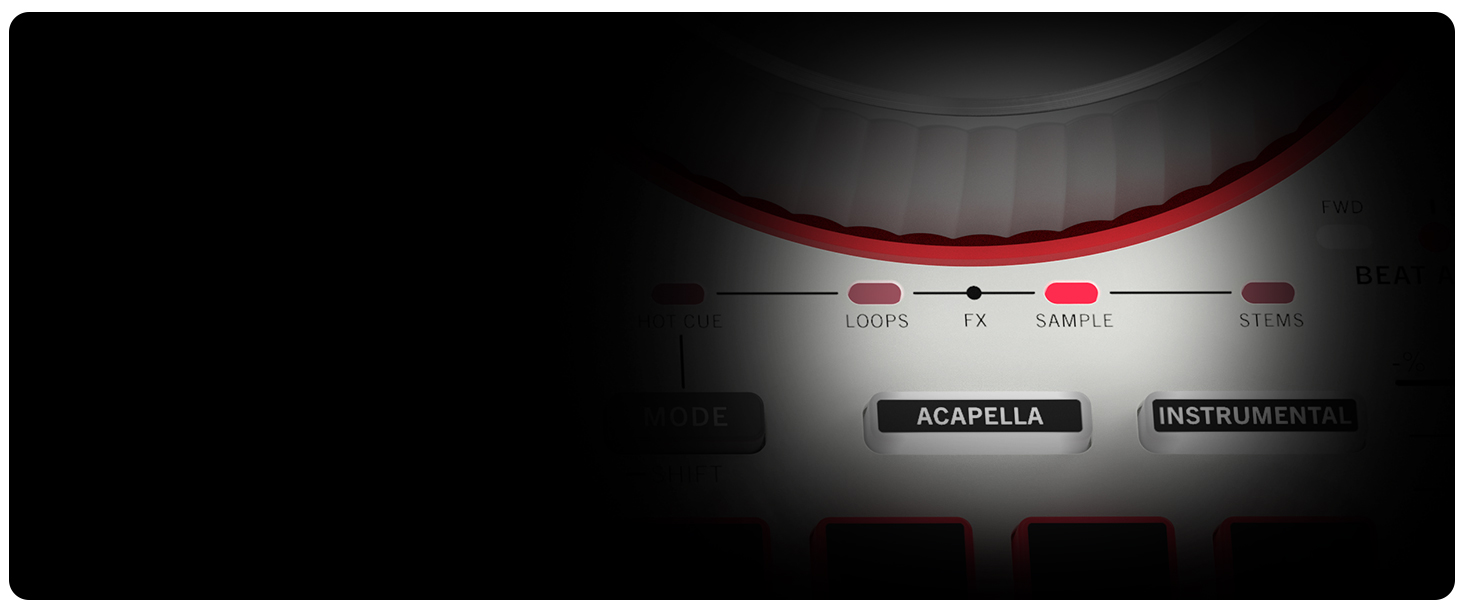
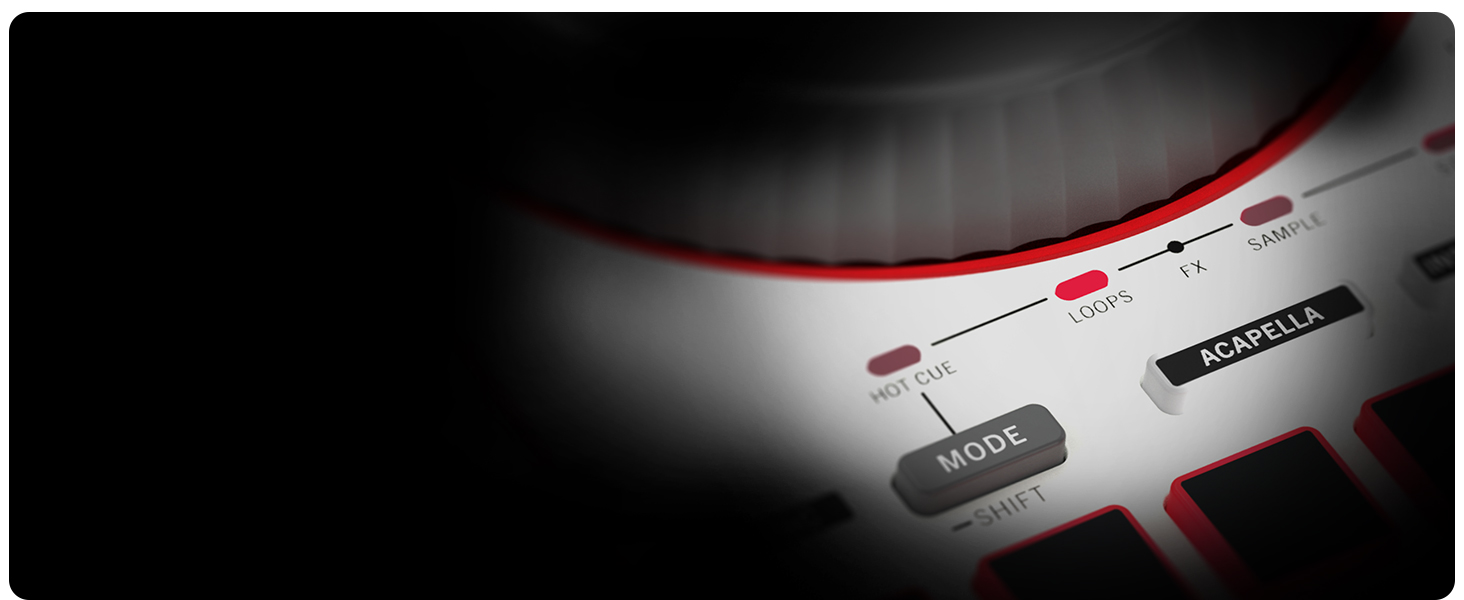
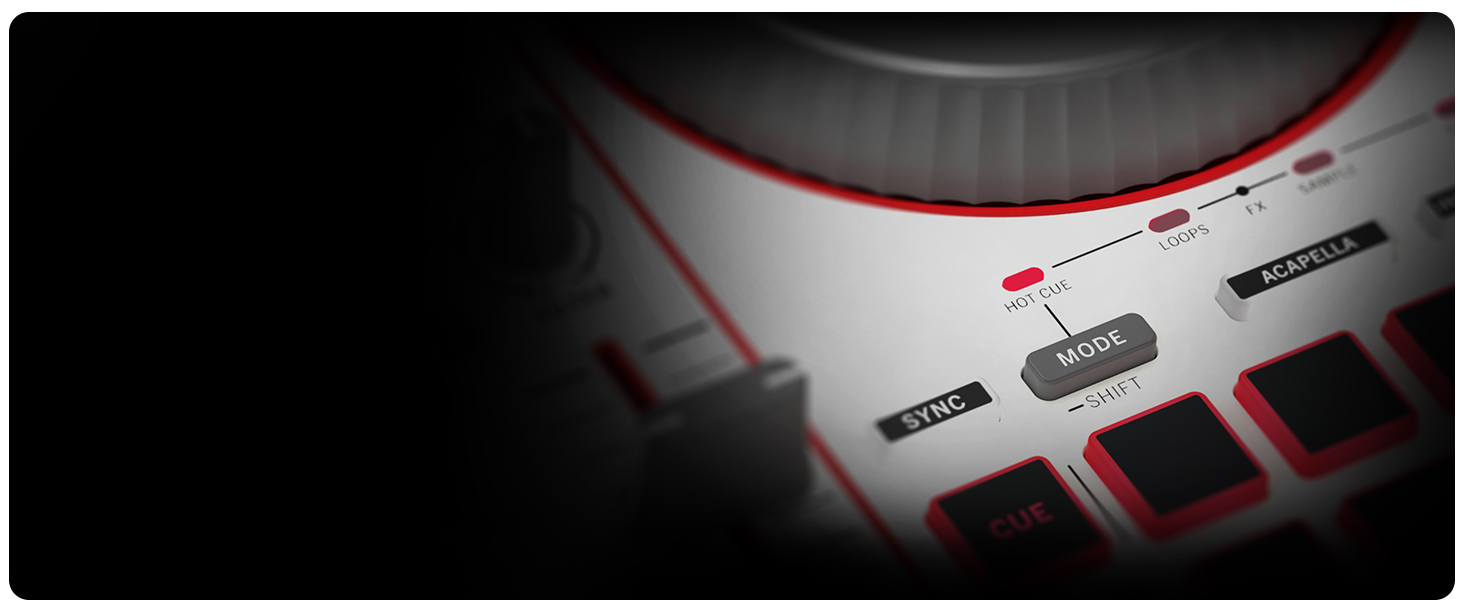
Double the number of performance pads – twice as much flair in your mix with hot cues, sample chops, loops, FX. Isolate and manipulate different elements of a track in real time with Stems control.
PERFORMANCE PADS: Hot Cue Mode
Set and trigger cue points instantly to jump between sections of a track, remix transitions, or recover seamlessly if you miss a drop.
PERFORMANCE PADS: Auto Loop Mode
Create perfectly timed loops on the fly to extend sections, build energy, or keep the groove going while you line up your next track.
PERFORMANCE PADS: Sampler Mode
Trigger sound effects, drops, and hype elements to add personality and keep the crowd engaged.
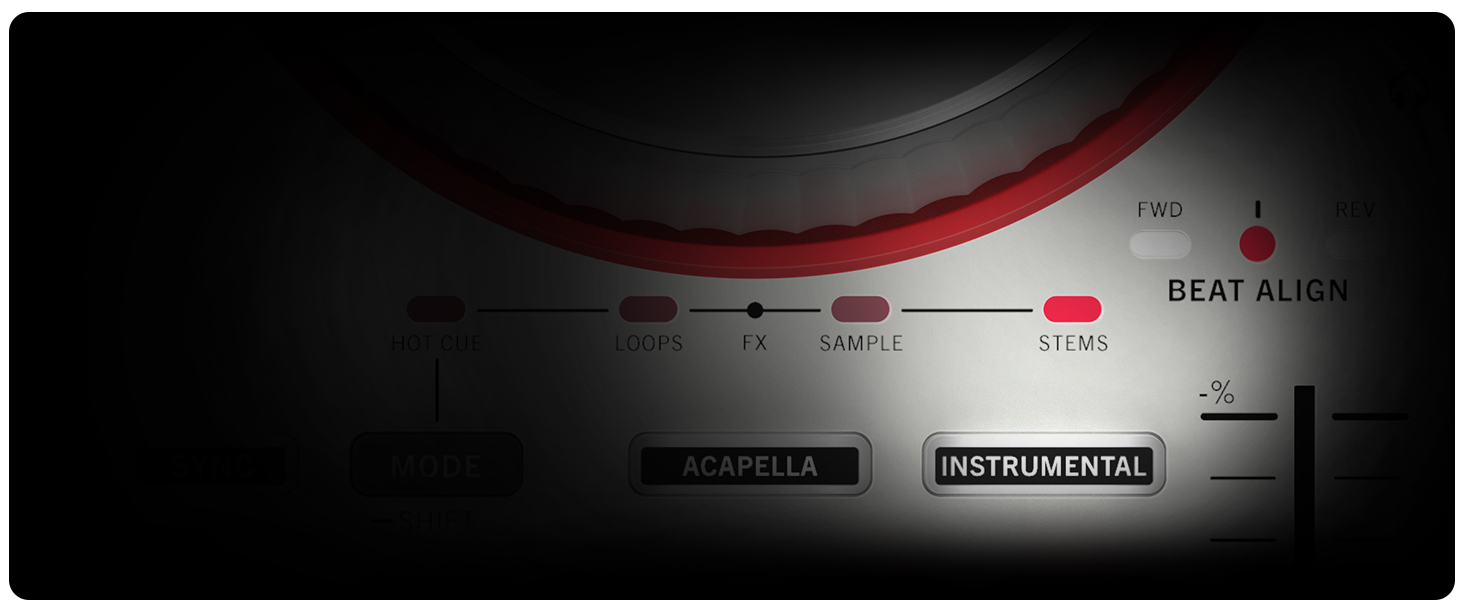
PERFORMANCE PADS: Stems Mode
Isolate vocals, drums, bass, or other instrumental melodies in real time so you can remix tracks, create mashups, and break songs down on the fly.
PERFORMANCE PADS: Pad FX Mode
Get even more creative with your transitions and mixes with a wide range of audio FX available by pressing any of the eight performance pads.
PortabilityTake the party anywhere with a compact, lightweight design that’s easy to set up and ready to go whenever you are.
” data-position=”triggerHorizontal” />Beat AlignVisual indicators help you learn to beat match by ear by letting you know when a track needs a little nudge forward or backward to perfectly lock into the mix.
” data-position=”triggerHorizontal” />Do you need prior DJ experience to use Party Mix?
No, Party Mix is designed to be beginner-friendly, with intuitive controls and layout so you can start mixing without prior DJ experience. Learn core DJ techniques such as beatmatching and transitions, while working with modern DJ software.
Can you DJ without speakers using a controller?
Yes, you can DJ without external speakers by playing directly from your Smartphone or Laptop speakers or by using headphones to cue and monitor your mix, to practice privately or in environments where speakers are not required.
Can Party Mix be used for live DJing?
Yes, Party Mix is designed for casual performances, home use, and small gatherings, providing essential DJ tools in a compact format.
Does Party Mix Support Stems Controls?
Yes, Party Mix includes dedicated Stem Controls and Stem Mode on Algoriddim djay and Serato DJ Lite when playing your own music files.
Can Party Mix be used with a smartphone or tablet?
Yes, Party Mix supports mobile DJing via Bluetooth MIDI or USB connections, allowing it to work with compatible DJ apps on iOS and Android devices. Can be used with laptops, tablets, or smartphones, ensuring flexibility to set up and perform.
| ASIN: | B0H3W663S3 |
| Best Sellers Rank: | 19,843 in Musical Instruments & DJ (See Top 100 in Musical Instruments & DJ) 37 in DJ Controller |
| Colour: | Cream |
| Date First Available: | 27 Oct. 2026 |
| Guaranteed Software Updates Until: | unknown |
| Item model number: | PARTYMIXIIICR |
| Power Source: | Corded Electric |
| Product Dimensions: | 20.5 x 33.8 x 4.7 cm; 1.1 kg |
| Weight: | 1.1 kg |